MAX1000 User Guide www.arrow.com
Page | 28 July 2017
4.3.8 Continue through the installation assistant until the process has finished. Now you can
run Quartus Lite.
To connect with the MAX1000 board you need to install additional Arrow USB Programmer2
drivers as explained in the next section.
4.4 Installing Arrow USB Programmer2 (Linux)
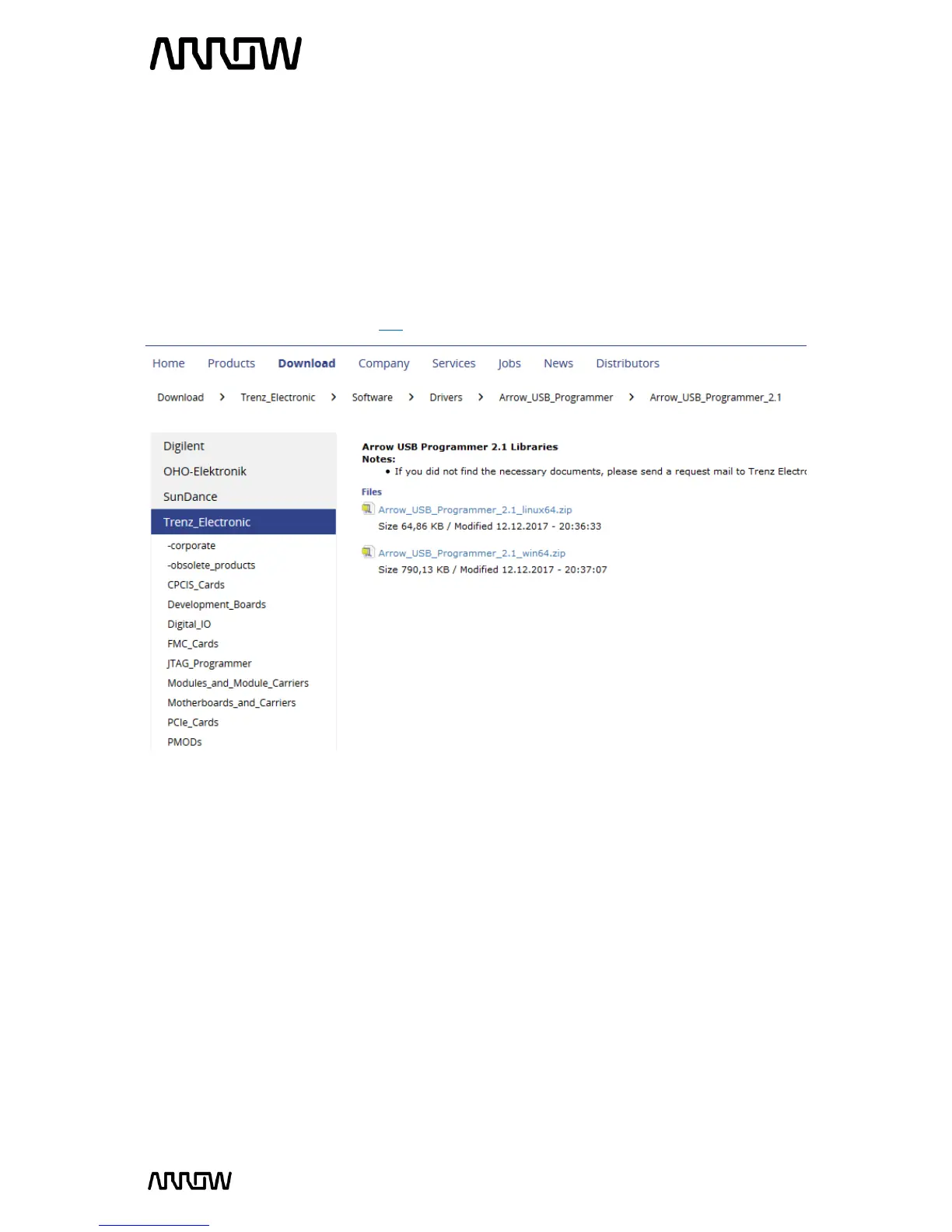
4.4.1 Download the Arrow USB Programmer2 Driver for Linux from Trenz Electronic Wiki page
or alternatively this direct link.
4.4.2 You can download the files in a temporal folder such as the Downloads folder under the
home of the current user ~/Downloads:
- Udev USB rules: ~/Downloads/51-usbProgrammer2.rules
- Default configuration file: ~/Downloads/arrow_usb_Programmer2.conf:
- Plugin for Quartus Prime: ~/Downloads/libjtag_hw_arrow.so:
4.4.3 Open a terminal and navigate through your Downloads folder:
$ cd ~/Downloads
4.4.4 Install udev USB rules:
$ sudo cp 51-usbProgrammer2.rules /etc/udev/rules.d/



 To Next Page