MAX1000 User Guide www.arrow.com
Page | 42 July 2017
5.2.5.2 Click “Add”.
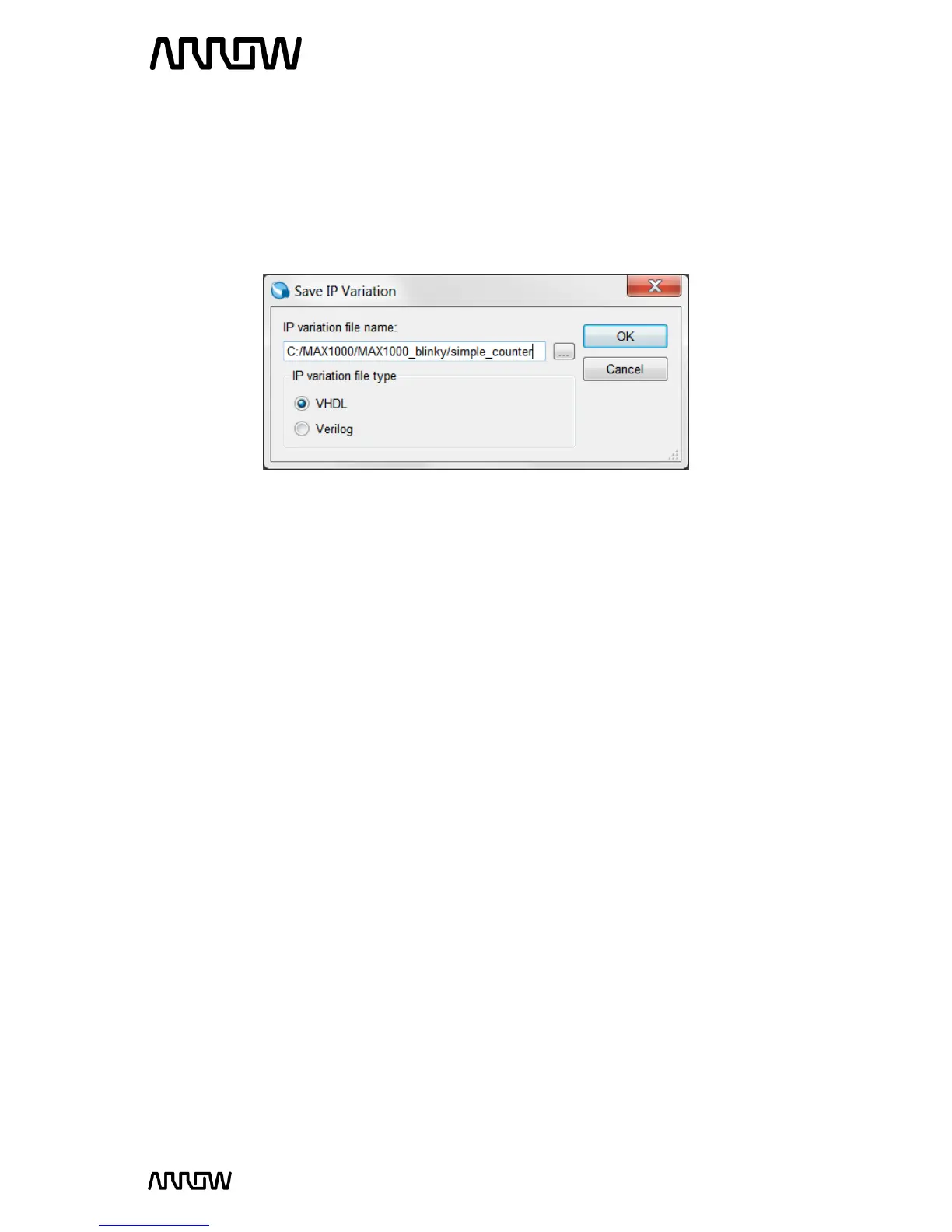
5.2.5.3 When the Save IP Variation pop up appears, enter “simple_counter” and select VHDL as
below:
5.2.5.4 Click “OK”.
5.2.5.5 The next step is to increase the size of the counter to a number of bits large enough to
divide down the clock so we can see the LEDs toggling.
5.2.5.6 Change this number to 32.
5.2.5.7 Let the counter to be Up only, so the LEDs will show the counters counting up.
The setting should look like this:



 To Next Page