14
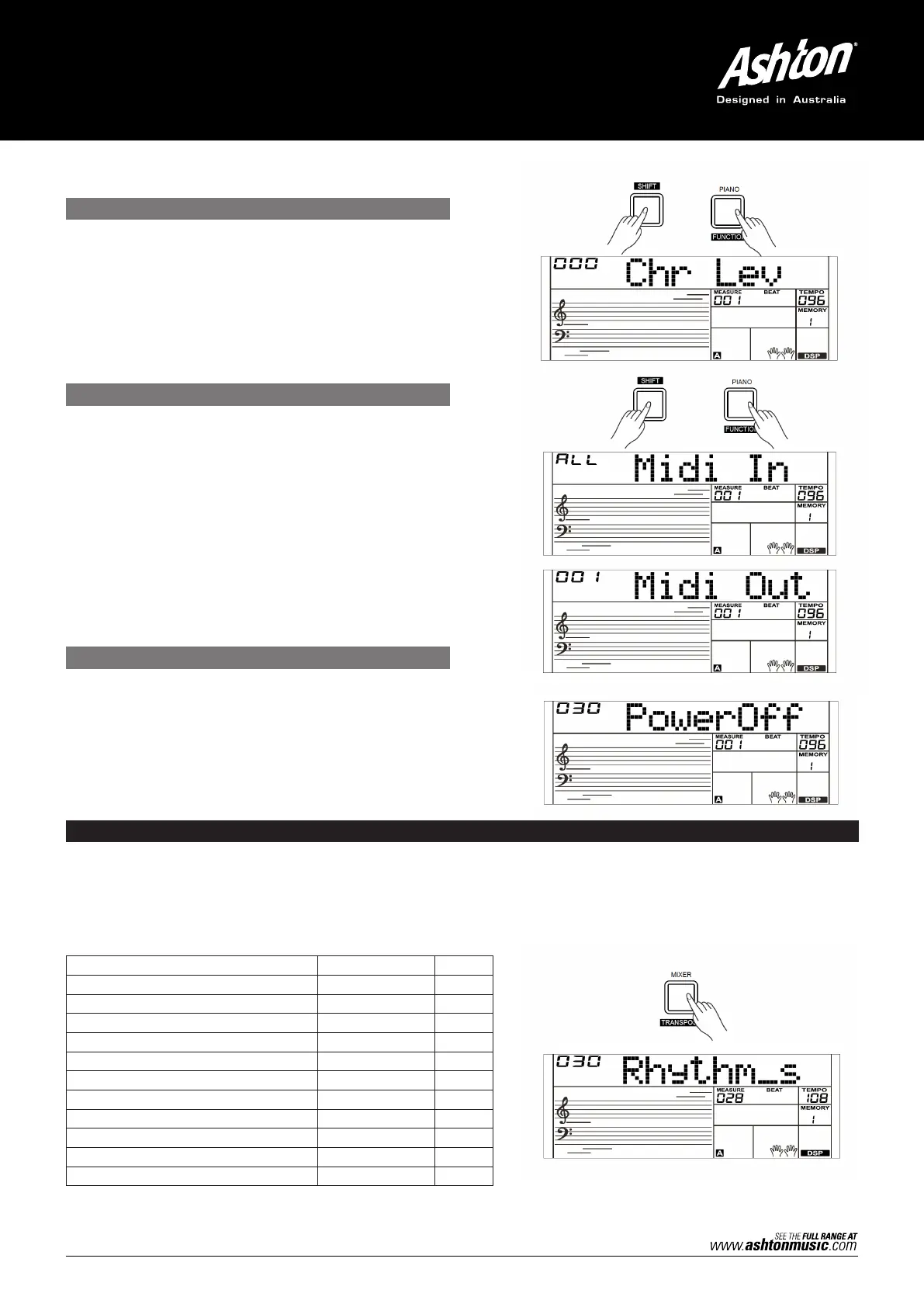
1. Press and hold the [SHIFT] button and then repeatedly
press the [FUNCTION] button to select the Chorus Level
menu. The LCD will display “xxx Chr Lev”. The adjustable
range is: 0–32. Use the [+/YES]/[–/NO] button or the
data dial to change the chorus level.
2. Press the [+/YES] and [–/NO] buttons simultaneously to
restore its default setting: 0.
CHORUS LEVEL
Press and hold the [SHIFT] button and then repeatedly press
the [FUNCTION] button to select the MIDI IN/OUT menu. The
LCD will display “xxx Midi In”/“xxx Midi Out”.
1. Use [+/YES]/[–/NO] button or the data dial to change
the MIDI IN channel: 1–16, ALL. Press the [+/YES] and
[–/NO] buttons simultaneously to restore the MIDI IN
channel to its default setting: ALL.
2. Use the [+/YES]/[–/NO] button or the data dial to
change the MIDI OUT channel: 1–16. Press the [+/YES]
and [–/NO] buttons simultaneously to restore the MIDI
OUT channel to its default setting: 1.
Press and hold the [SHIFT] button and then repeatedly
press the [FUNCTION] button to select the Auto Power Off
menu. The LCD will display “xxx Power Off”. Use the [+/YES]/
[–/NO] button or the data dial to change the auto power off
time. This function offers 3 options: 30 minutes, 60 minutes or
OFF and the default setting is: 30 minutes.
MIDI IN/OUT
AUTO POWER OFF
MIXER
Mixer function separately adjusts the volume of different tracks.
1. Press the [MIXER] button to enter the Mixer Function menu. The LCD will display “030 Rhythm_s” initially when powered on;
The next time you enter the menu, it will show the same option you last selected.
2. Repeatedly press the [MIXER] button to select an option. Use [+/YES]/[–/NO] button or the data dial to change parameters.
The options and parameters are as follows:
Note:
It will exit the mixer menu if there is no operation in 5 seconds.
CONTENT LCD DISPLAY RANGE
Adjust the Rhythm track volume. XXX Rhythm_s 0–32
Adjust the Percussion track volume. XXX Rhythm_m 0–32
Adjust the Bass track volume. XXX Bass 0–32
Adjust the Chord 1 track volume. XXX Chord1 0–32
Adjust the Chord 2 track volume. XXX Chord2 0–32
Adjust the Chord 3 track volume. XXX Chord3 0–32
Adjust the Phrase 1 track volume. XXX Phrase1 0–32
Adjust the Phrase 2 track volume. XXX Phrase2 0–32
Adjust the Upper 1 track volume. XXX Upper 1 0–32
Adjust the Upper 2 track volume. XXX Upper 2 0–32
Adjust the Lower track volume. XXX Lower 0–32



 To Next Page