19
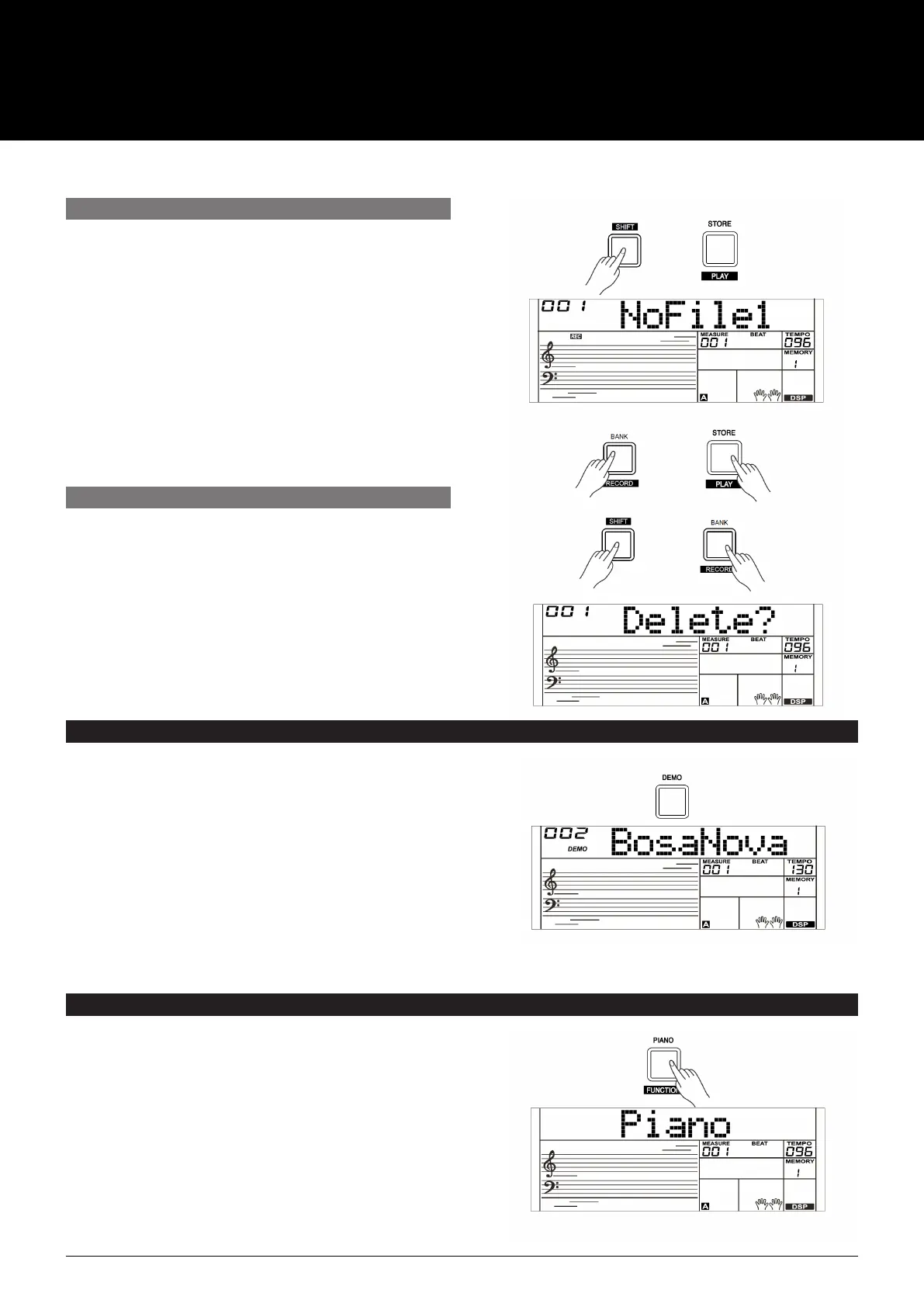
1. In Idle Mode, hold down [SHIFT] button and then press
the [PLAY] button to enter the selection interface. If you
have selected a user song with no record data, the LCD
will display “XXX NoFileX”. If you have selected a user
song with recording data, the LCD displays “XXX
PlySngX”. For example, “001 PlySng1”. You can use the
[+/YES]/[–/NO] button or the data dial to select a user
song you want to playback.
2. Press and hold the [SHIFT] button and then press the
[PLAY] button to playback the user song.
3. To stop the playback, press and hold the [SHIFT] button
and then press the [PLAY] button.
1. Press the [DEMO] button, The DEMO icon will light up and
the songs will play in loop.
2. Use the [+/YES]/[–/NO] button or the data dial to select
different demo songs. Press the [DEMO] or [START/STOP]
buttons to stop playing and exit Demo Mode.
Note:
In the demo status, all buttons and keys are unavailable except
[DEMO], [START/STOP], [+/YES], [–/NO], [TEMPO +], [TEMPO –],
the data dial, [VOLUME] knob and POWER SWITCH.
1. Press the [PIANO] button to enter or exit Piano Mode.
2. In Piano Mode, the accompaniment control is the same as
other modes. The accompaniment only plays the rhythm part.
Note:
In the demo status, all buttons and keys are unavailable
except [DEMO], [START/STOP], [+/YES], [–/NO], [TEMPO +],
[TEMPO–], the data dial, [VOLUME] knob and POWER SWITCH.
1. Press and hold the [RECORD] and [PLAY] buttons together
and turn power on simultaneously, to erase all user songs.
2. In the recording playback status, hold down [SHIFT] button
and then press the [RECORD] button. The LCD will display
“Delete?”. Press the [+/YES] button to delete user song.
Press the [–/NO] button to cancel.
Note:
The saved user songs will not be lost when the AK280 is
turned off.
PLAYBACK RECORDING
DELETE RECORDING
PLAYING THE DEMO SONG
PIANO MODE
The AK280 features several demos. (Please refer to Demo List.)
This function is used to set the voice of the whole keyboard to piano.
USER MANUAL
AK280
61 KEY ELECTRONIC KEYBOARD



 To Next Page