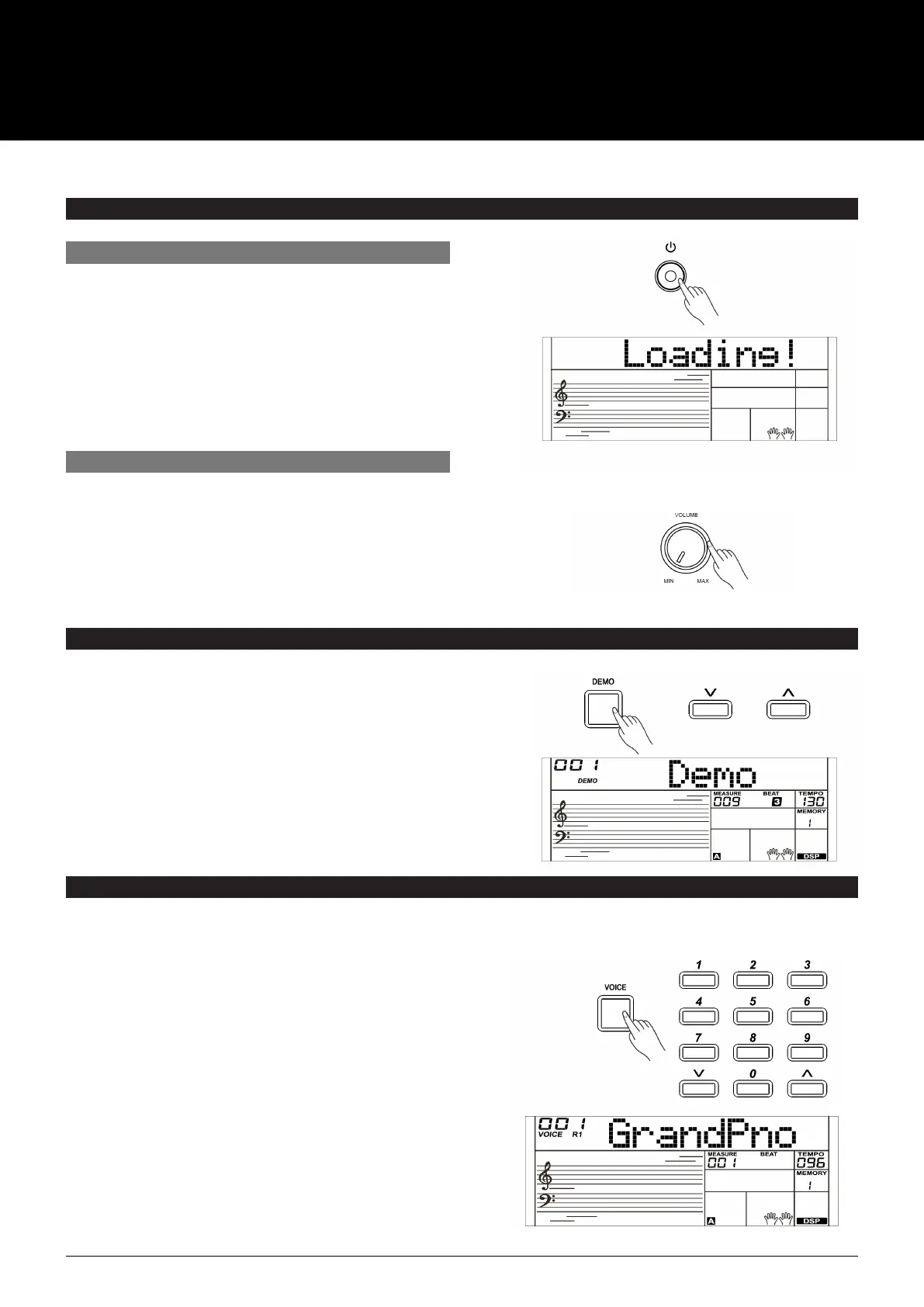
1. Make sure the AK280 is properly connected to the
power supply.
2. Press POWER SWITCH. The LCD screen lights up which
indicates the AK280 is powered on.
Note:
If the LCD isn’t lit after you turn on the AK280, please check
the power connection.
PLAYING DEMO SONGS
1. Press the [DEMO] button. The LCD will display the
current demo number and name. Meanwhile, all demo
songs will play in a loop.
2. Use the data dial or the [+/Yes]/ [–/No] button to
select a demo song.
3. Press the [DEMO] or [START/STOP] button to stop
playing and exit demo mode.
POWER/MASTER VOLUME
TURN THE POWER ON/OFF
ADJUST THE MASTER VOLUME
Turn the [VOLUME] knob clockwise to increase the volume
and anti clockwise to decrease the volume.
Note:
If the keyboard remains silent, please check if the volume has
been set to minimum or if headphones are plugged into the
Phone jack.
The AK280 features several demos. (Please refer to Demo List.)
PLAYING VOICES
5
The AK280 features a variety of build–in voices .Try selecting different voices and play with various preset effects.
(Please refer to the Voice List.)
1. Press the [VOICE] button.
Enter the Voice Mode. The LCD displays the current
default voice name and number.
2. Select a Voice.
Use the data dial, the numeric buttons or the [+/YES]/
[–/NO] buttons to select the voice you want to play.
3. Play the Voice.
Play the keyboard and enjoy the voice.
Note:
When the upper/lower voice is on, and you press the
number key buttons, the corresponding upper/lower voice
will be selected.
USER MANUAL
AK280
61 KEY ELECTRONIC KEYBOARD



 To Next Page