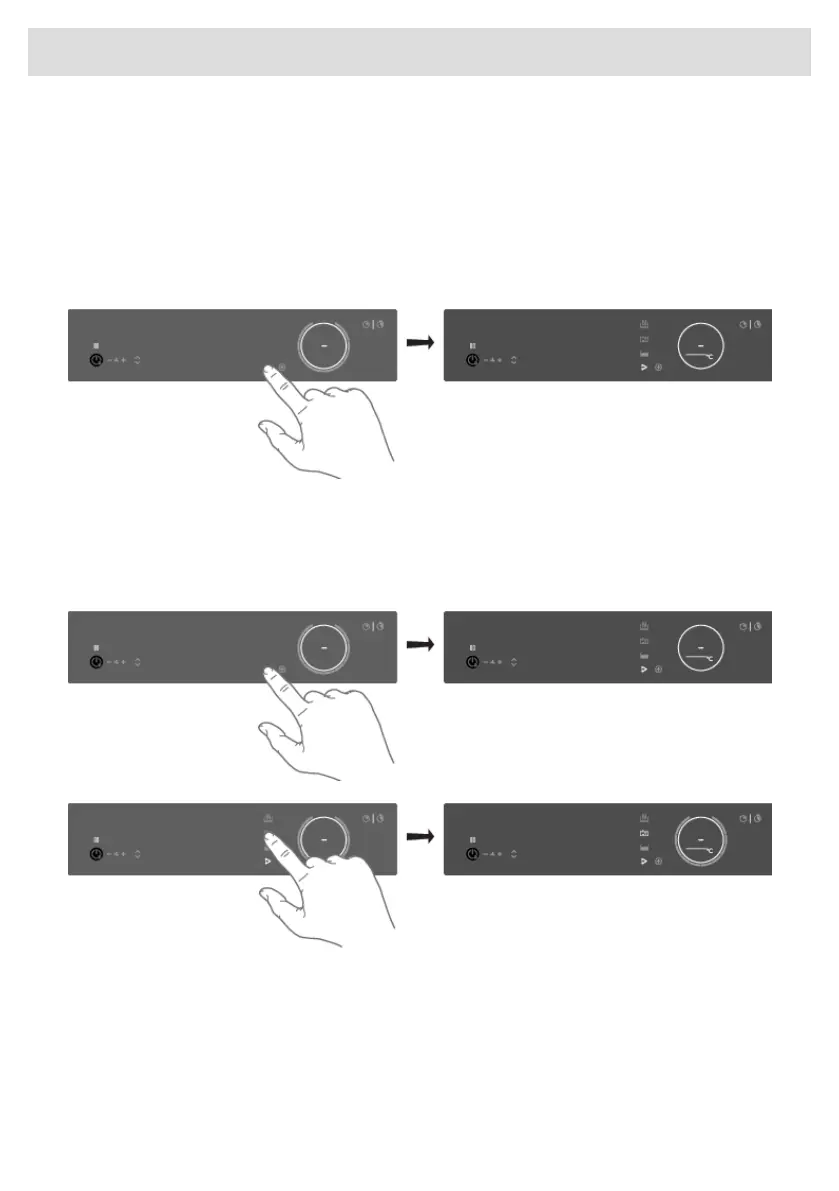
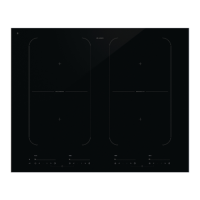
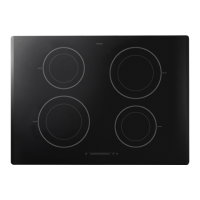
Assigning the cookware to the cooking zone
Switch on the hob and wait until the end of the start-up animation.
Place the Celsius°Cooking™ cookware or a regular pan fitted with the Celsius°Cooking™ probe on
the desired cooking zone. After it has been detected, quickly tap twice with your fingertip on the
sensor in the end cap or the probe housing to activate it. Then the Celsius°Cooking™ mode key
will immediately light up. To assign the probe, the Celsius°Cooking™ mode key will light upon every
possible cooking zone. Press the Celsius°Cooking™ mode key of the desired cooking zone. The
Celsius°Cooking™ menu will be opened. With a short press again, it can be closed.
Cooking with the embedded Celsius°Cooking™ programs
The hob comes along with integrated Celsius°Cooking™ programs, optimized for Celsius°Cooking™
cookware. With the opened menu, 3 different cooking methods can be chosen, with different
temperature ranges. If the probe is used, only two suitable Celsius°Cooking™ methods are shown.
Use the one that fits the desired purpose:
33
Operation



 To Next Page