31
Defaults cont.
Quick Start Instructions Cont.:
Unpack the instrument from its special shipping container.
Locate a suitable testing area and be sure you have read all safety
instructions for the operation of the instrument and suggestions
on the test area set-up in the Safety section. Locate a three prong
grounded outlet. Be sure the outlet has been tested for proper
wiring before connecting the instrument to it.
Check to be sure the correct input line voltage has been selected
on the rear panel. Connect the power input plug into its socket
on the rear panel of the instrument. Connect the male end of the
plug to the outlet receptacle. Please be sure that the safety ground on the power line cord
is not defeated and that you are connecting to a grounded power source.
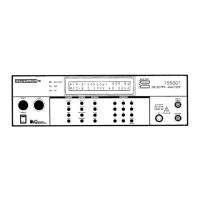
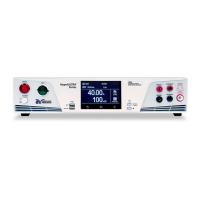
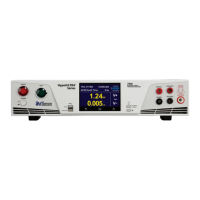
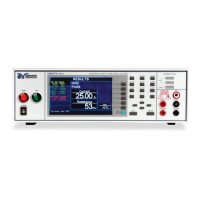
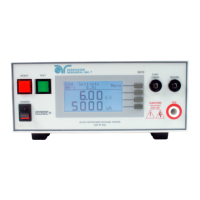
Turn on the POWER switch located on the lower left hand side of the front panel. Upon
powering the instrument all LEDs on the Front Panel will be lit for visual inspection. For
detailed instructions on setting up testing parameters, refer to the OPERATION section.
If the instrument defaults are acceptable then be sure to connect the appropriate test leads
to the device under test (DUT) or test fixture. Be sure to connect this safety ground to a
suitable known good ground before energizing this instrument. Then connect the return
lead first (black) to the test fixture or item followed by the high voltage output lead (red).



 To Next Page