3. Device installation and start-up
PHG 700C / 701C User Manual Page 18 of 47
3.3 Transport position – the stand with scanning applicator
Step Description
1.
Proceed with the treatment to the end or stop it by pressing the key
2. Put the equipment back.
3.
Click the UNIT ON / OFF (STANDBY) button on the front panel .
4.
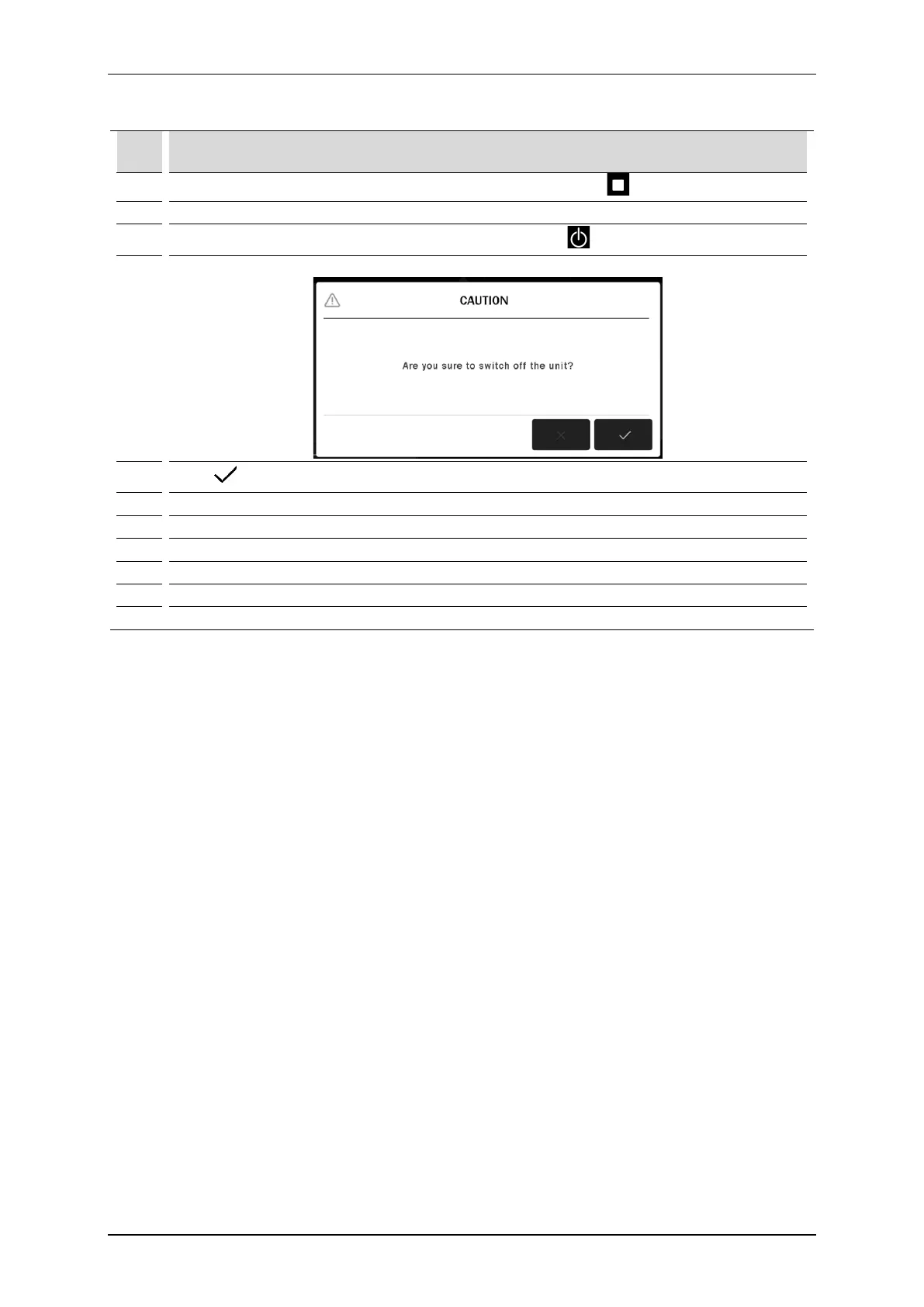
A message will appear on the display:
5.
Press to shut down the system correctly.
Switch the mains rocker off.
Disconnect the mains cable and all applicators except the scanner from the device.
Then unlock the brakes and transport the stand.
9. Transport the stand.
After arranging the stand in the destination place, lock the brakes.
Connect the mains cable and applicators to the device.



 To Next Page