4. Unit operation
PHG 700C / 701C User Manual Page 32 of 47
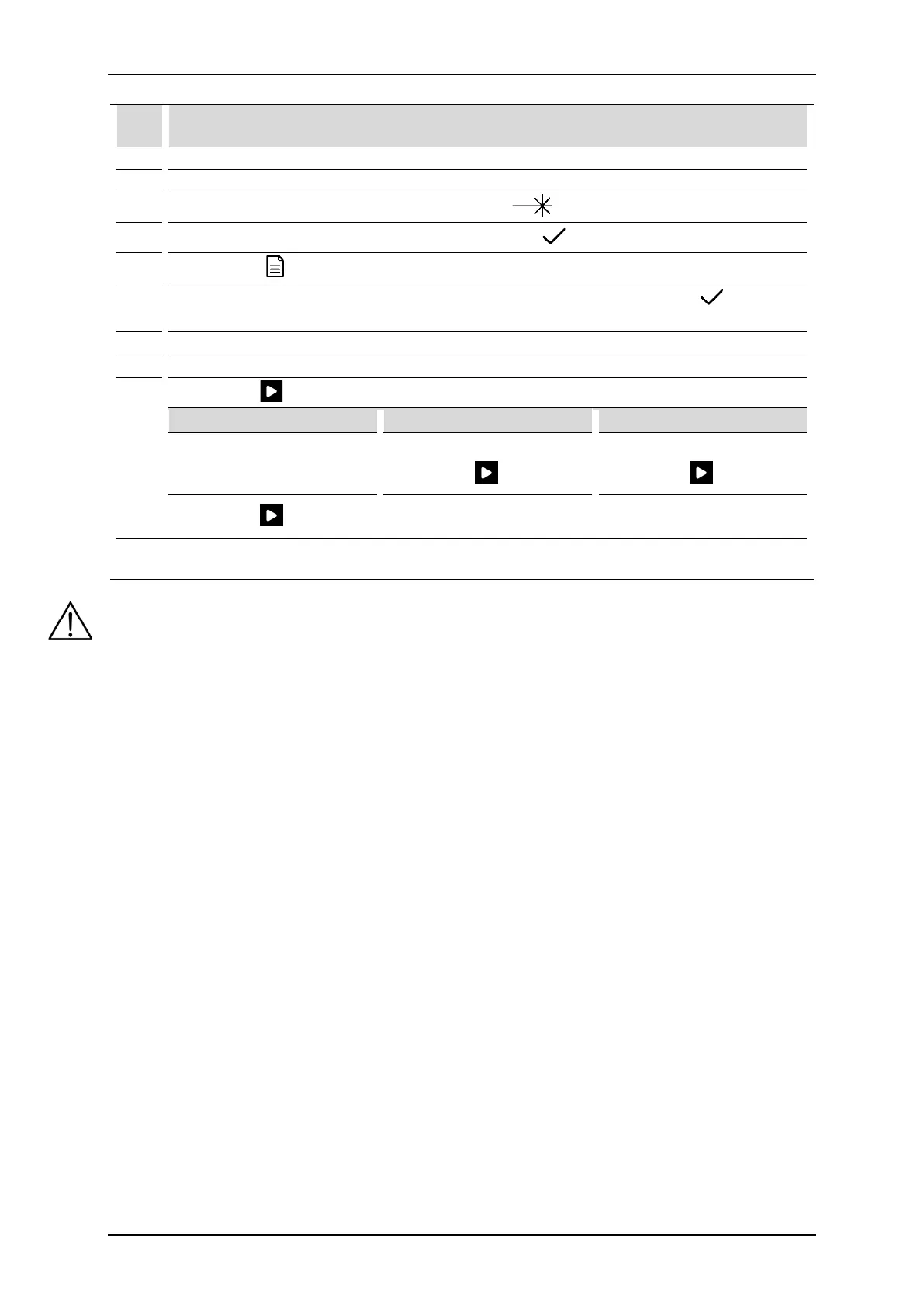
Schematic procedure for laser therapy treatments:
Step Description
1. Connect an appropriate laser applicator.
3.
Choose the treatment channel 2. Select laser therapy
4.
Enter the access code: PHGL. Confirm by the key or button , select the applicator.
5.
Press the field Program modes
6.
Select the option Preset programs from Program modes menu. Confirm by the key or once
again press the selected field.
Select the program from the list.
8. Prepare the patient for the treatment according to indications in point 4.1
9.
Set the shape and size of the
treatment area as well as
default scanner distance.
Set the treatment area.
Press the key
Set the treatment area.
Press the key
Press the key
Press the button on the
applicator.
Press the button on the probe.
Start of laser emission is signaled acoustically. Laser radiation starts after two seconds after pressing the
NOTE:
Using the methods of control, adjustment or performance of procedures other than those specified herein
may result in exposure to hazardous laser radiation.
4.5.1 Voll and Nogier programs
A specific group of preset treatment programs are positions dedicated to biostimulation laser point acupuncture
according to Voll and Nogier, the so-called Voll and Nogier frequencies. These programs are only available for
low lever laser point applicators. To select the program, proceed exactly as when choosing a preset treatment
program.



 To Next Page