4. Unit operation
page 31 of 47 issue date 24.02.2021, release 11.1
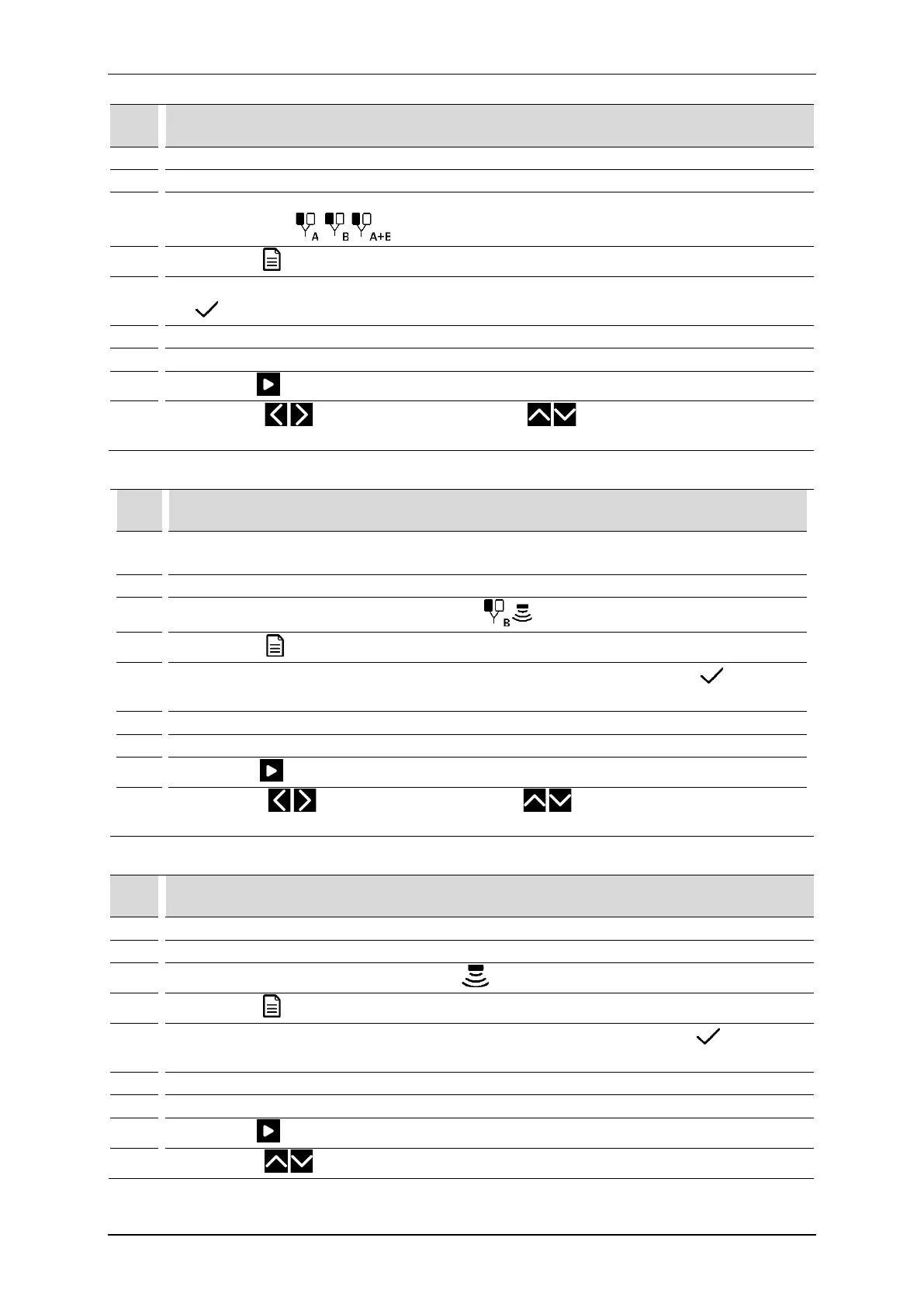
Schematic procedure for electrotherapy treatments:
Step Description
1. Connect patient’s cables.
3.
Select the tab 1 or 2 depending on needs or availability.
Select the therapy
4.
Press the field Program modes
5.
Select the option Preset programs or Preset sequences from Program modes menu. Confirm by the
key or once again press the selected field.
Select the program / sequence from the list.
Prepare the patient for the treatment according to indications in point 4.1
8.
Press the key
9.
Using the keys choose the circuit, using the keys set the current or voltage
amplitude.
Schematic procedure for combined therapy treatments:
Step Description
1.
Connect the patient’s cable.
Connect an appropriate ultrasound head for combined therapy.
3.
Select the tab no 2. Select the combined therapy
4.
Press the field Program modes
5.
Select the option Preset programs from Program modes menu. Confirm by the key or once
again press the selected field.
Select the program from the list.
Prepare the patient for the treatment according to indications in point 4.1
8.
Press the key
9.
Using the keys select the circuit, using the keys set the amplitude of current or
voltage, or optionally adjust the power / power density of the ultrasound head.
Schematic procedure for ultrasound therapy treatments:
Step Description
Connect the ultrasound head GS 4cm
2
or 1cm
2
.
2. Switch on the unit.
3.
Select the tab no 3. Select ultrasound therapy
4.
Press the field Program modes
5.
Select the option Preset programs from Program modes menu. Confirm by the key or once
again press the selected field.
Select the program from the list.
7. Prepare the patient for the treatment according to indications in point 4.1
8.
9.
Using the keys optionally adjust the power / power density of the ultrasound head.



 To Next Page