22
DSL-N12E Chapter 4: Conguring via the web GUI
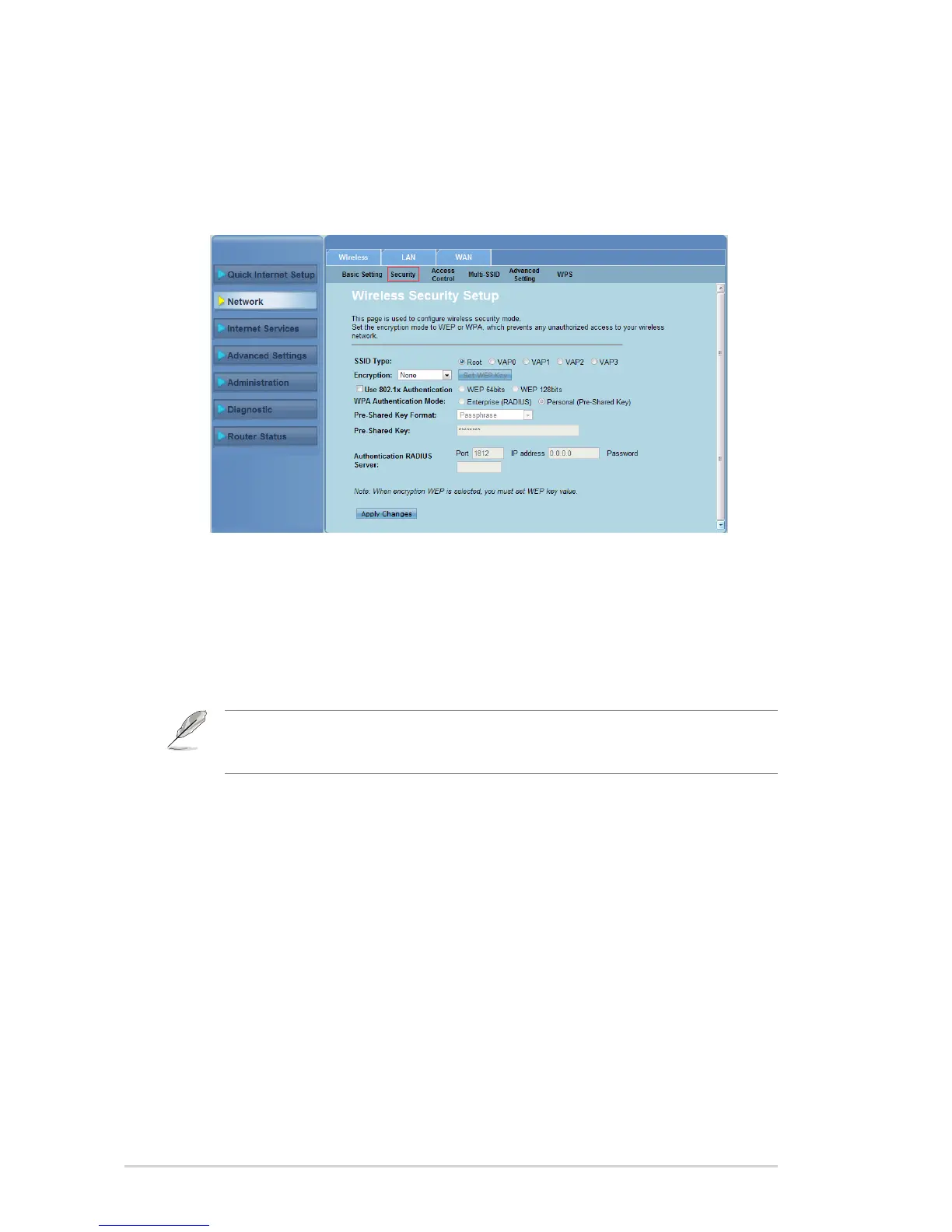
Conguring the security settings
The Security page allows you to congure the security settings to protect your
wireless network from unauthorized access.
To congure the security settings:
Click Network > Wireless tab > Security.
In the Wireless Security Setup screen, select a SSID, its encryption method
and ll in its authentication settings.
Click Apply Changes to apply the settings made.
1.
2.
3.
Note: For WPA pre-shared key and WEP key settings, neither use quotation marks (" or '),
angle brackets (>), square brackets (]) and spaces as the start of your key nor use two spaces
in between.



 To Next Page