23
Chapter 4: Conguring via the web GUI DSL-N12E
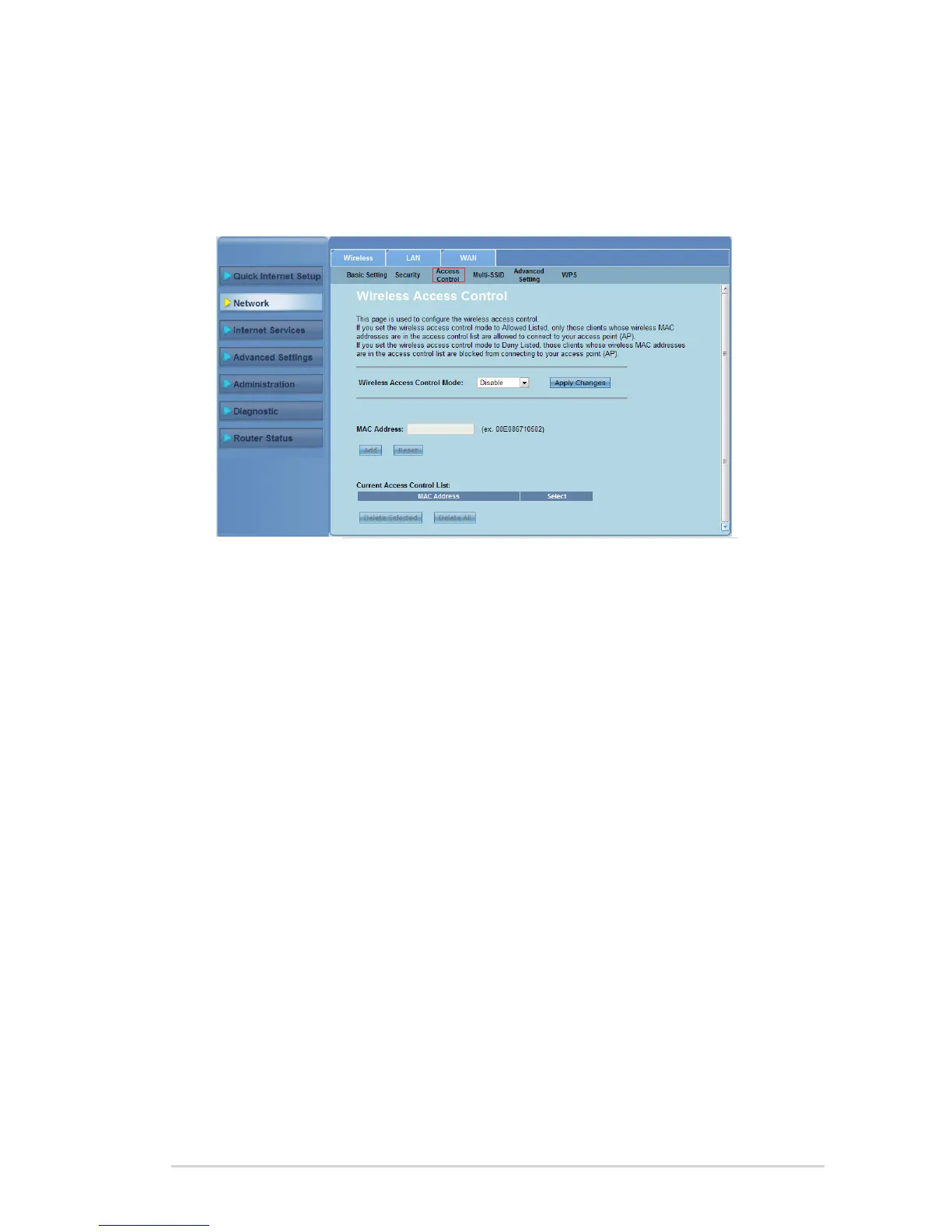
Controlling access to your wireless network
The Access Control page allows you to allow or deny specic clients from
accessing your wireless network.
To control access to your wireless network:
Click Network > Wireless tab > Access Control.
In the Wireless Access Control Mode eld, select the access control type.
In the MAC Address eld, key in the client’s MAC address and click Add to
add it to the control list.
Click Apply Changes to apply the settings made.
1.
2.
3.
4.



 To Next Page