29
Software Drivers
ASUS WLAN Utility Setup
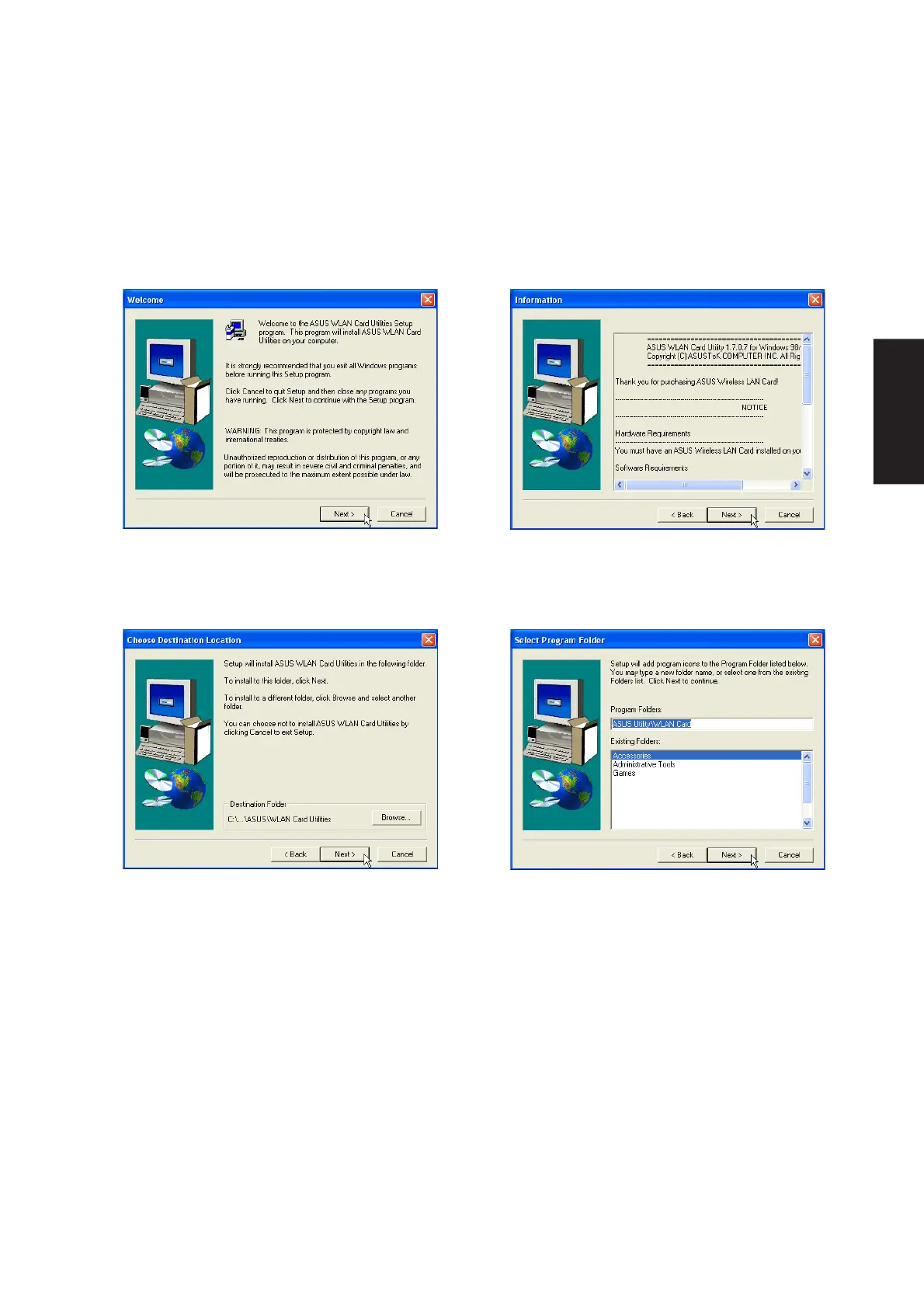
After installing driver, you need to install the wireless utility.
1. Click Next after reading the “Welcome” screen.
3. On the “Choose Destination Location” screen,
click Next to continue or you may first change
the destination folder.
4. On the “Select Program Folder” screen, click
Next to continue or enter a different folder name.
2. Click Next after reading the “Information”
screen.











 To Next Page