40
Software Drivers
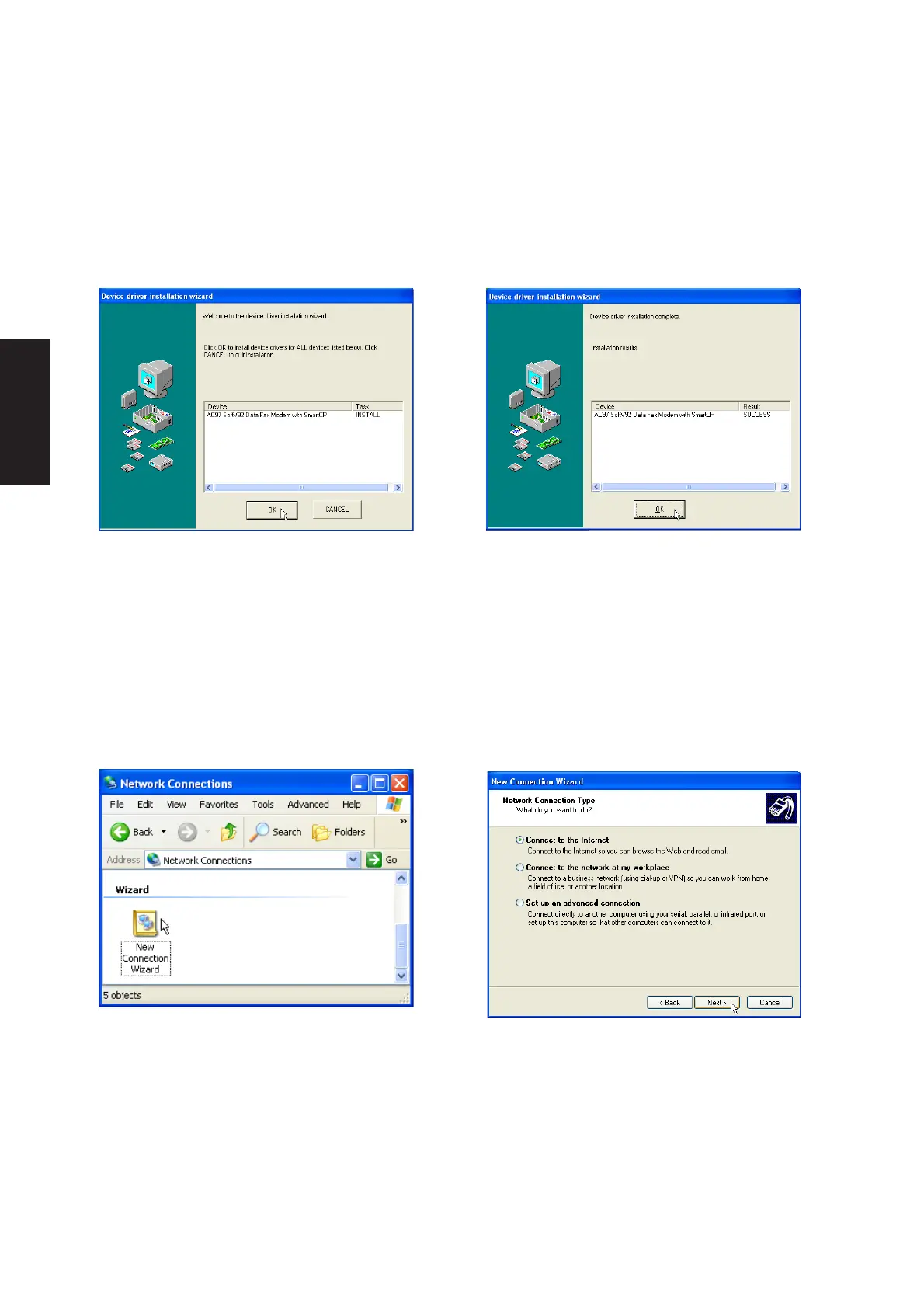
1. Double-click New Connection Wizard in
Network Connections
2. Select “Connect to the Internet” and click
Next.
Modem Configuration
Use New Connection Wizard in “Network Connections” to start the configuration wizard to your modem.
The New Connection Wizard also allows configuration for other communication devices (if available) such
as LAN, ISDN, ADSL, or Bluetooth.
Modem Driver Setup
Running setup will give you the following wizard:
1. On the “Welcome” screen, click Next after
reading.
2. Setup is now complete, click OK to exit the
wizard.











 To Next Page