76
Software Utilities
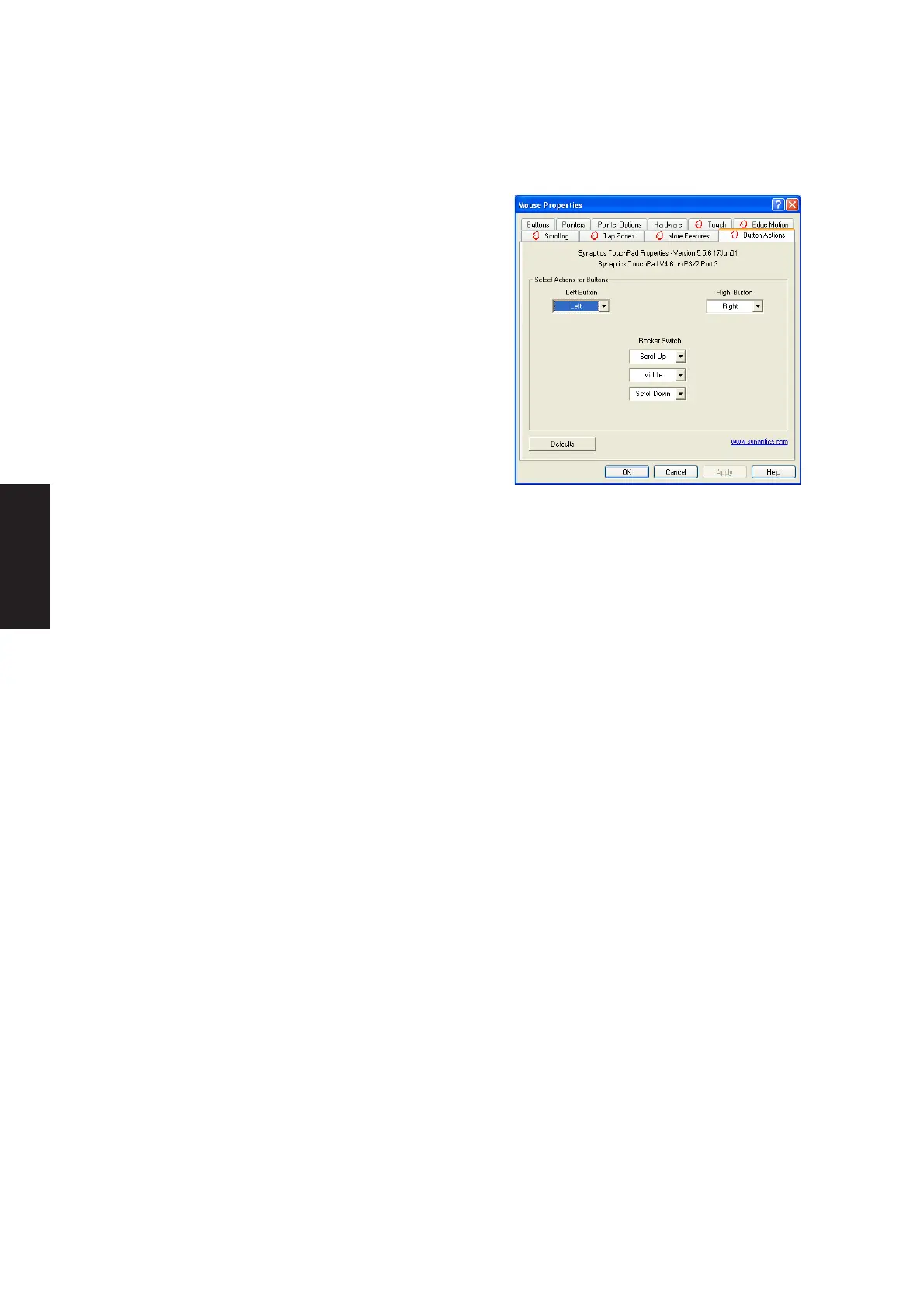
Button Actions Properties Page
The Button Actions properties page allows you to customize
the physical buttons of your TouchPad.
The Rocker Switch settings are available on Notebook PC’s
with scroll buttons between the left and right buttons.
Customizing Button Assignments
You can customize the TouchPad buttons in the same way
that you customize the tap zones.
To Customize:
Each button has a text box that displays the current action
(for example, it might say Left, which means the left-click or primary-click action). To display a list of
possible actions, click on the down arrow button located to the right of the text. Select the desired action.











 To Next Page