56
Software Utilities
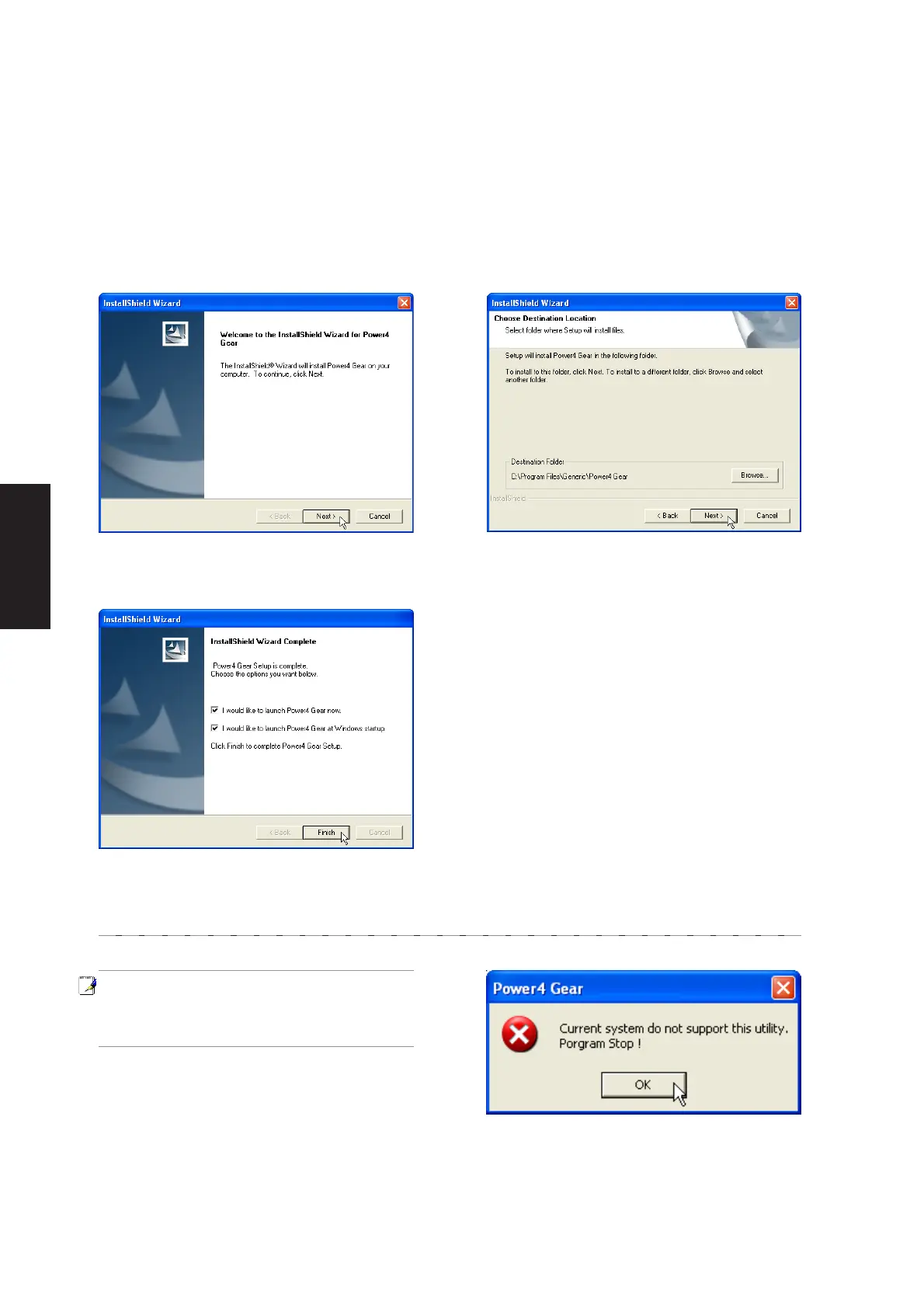
1. On the “Welcome” screen, click Next after
confirming this is what you want to setup.
3. On the “Setup Complete” screen, click
Finish.
2. On the “Select Program Folder” screen, click
Next to continue or enter a different folder
name.
Power4 Gear Setup
Running setup will give you the following wizard:
NOTE: You cannot run this utility without
first installing “ATK0100”. You will be given
this message if you do not have the driver
installed.











 To Next Page