82
Software Utilities
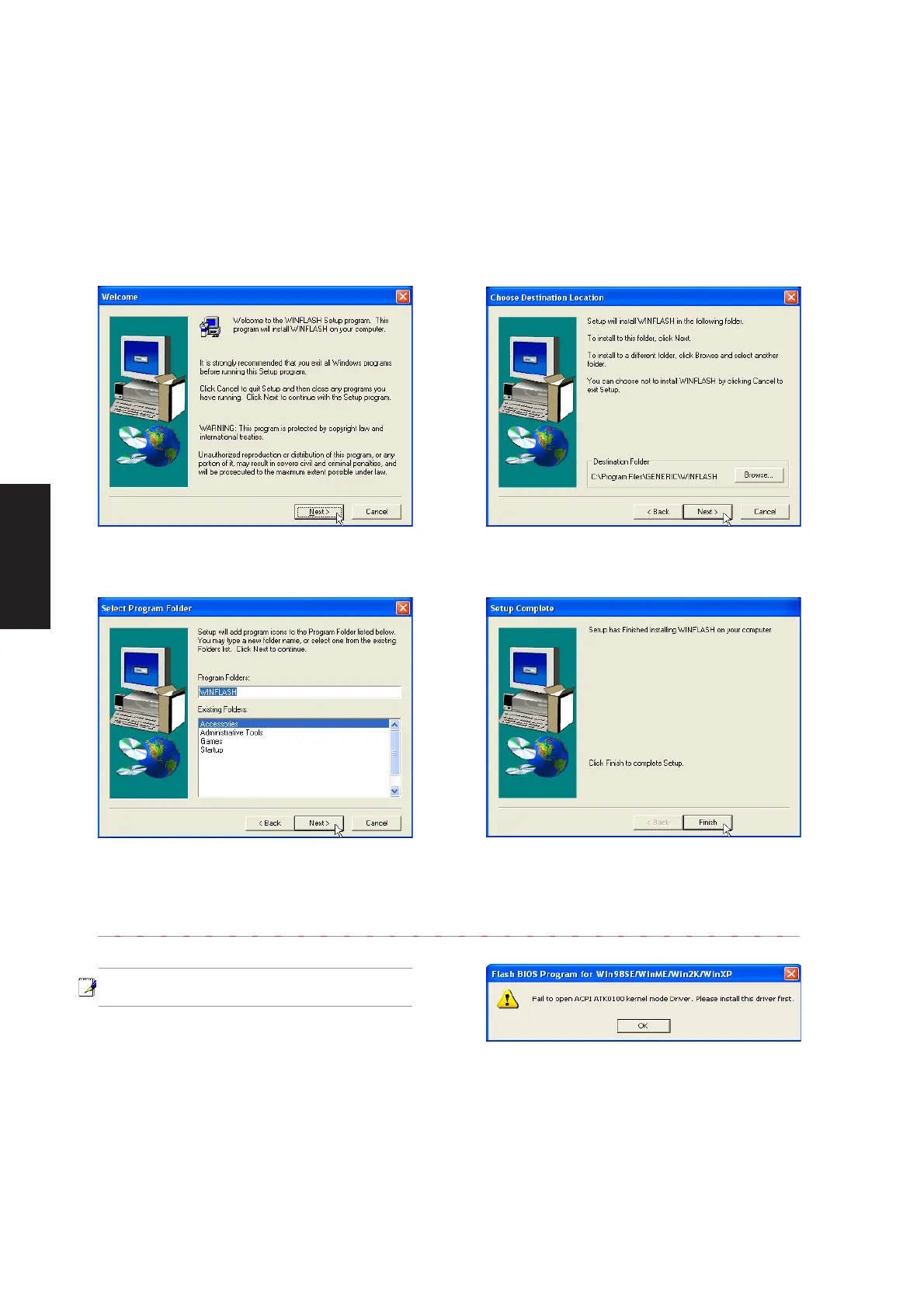
1. On the “Welcome” screen, click Next after
confirming this is what you want to setup.
2. On the “Choose Destination Location”
screen, click Next to continue or you may
first change the destination folder.
3. On the “Select Program Folder” screen, click
Next to continue or enter a different folder
name.
4. On the “Setup Complete” screen, click
Finish.
WINFLASH Setup
Running setup will give you the following wizard:
Make sure you install ATKACPI first or else
you will get this message.











 To Next Page