51
Software Utilities
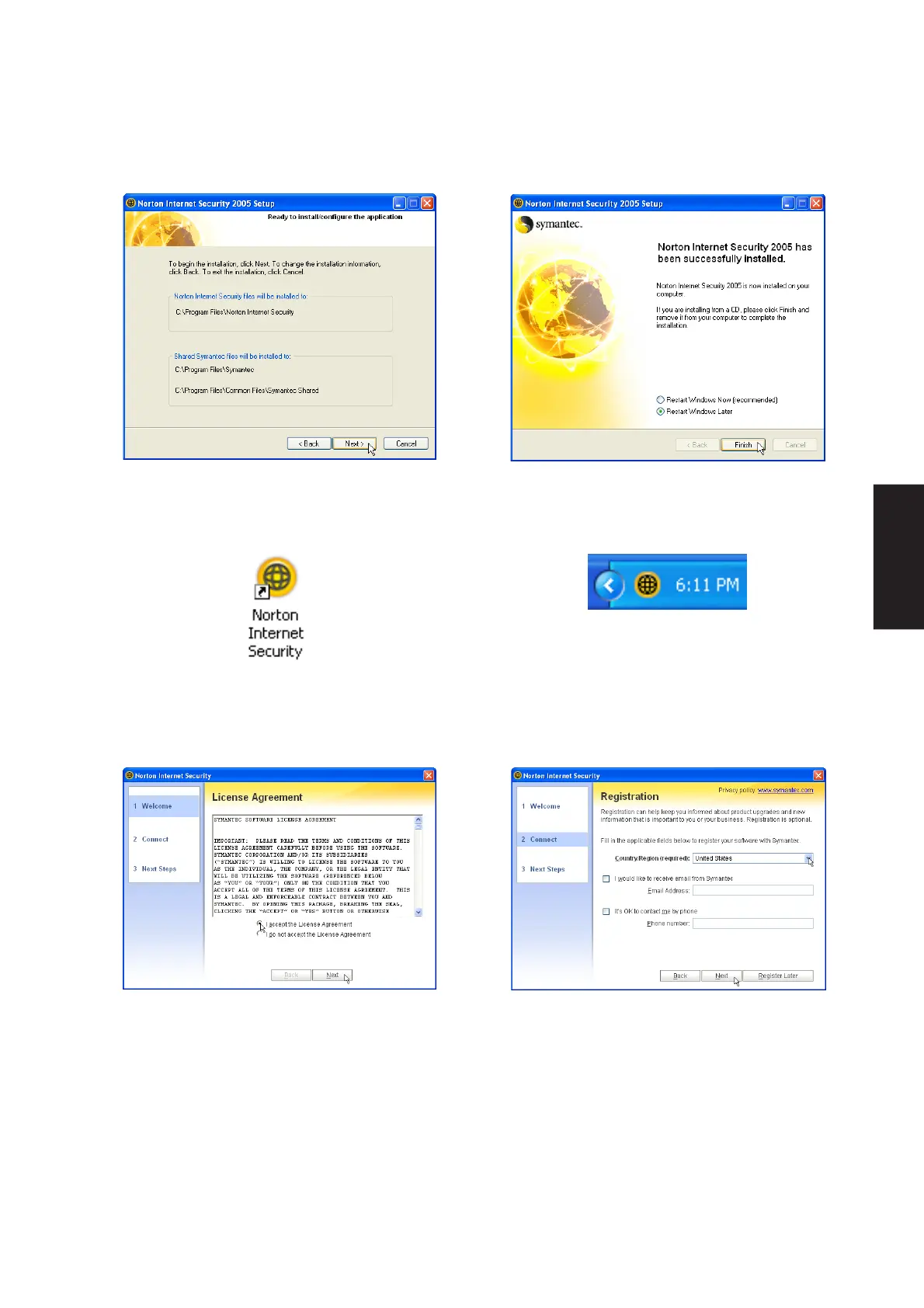
5. On the “Ready to install” screen, click Next to
continue or click “Back” to change settings.
6. When setup is complete, select “Restart
Windows Later” and click Finish in order to install
other items before restarting your system.
A program icon will be placed on your desktop.
1. On the “License Agreement” screen, select “I
accept...” and click Next to continue.
2. On the “Registration” screen, select “your
country or region” and click Next to continue. You
may give enter your information if you do not mind
being contacted by Symantec.
After Windows restart
Norton Internet Security will startup each time
with Windows. This icon will be placed in the
taskbar to show that it is running and also to
provide shortcuts to configuration items.











 To Next Page