64
Software Utilities
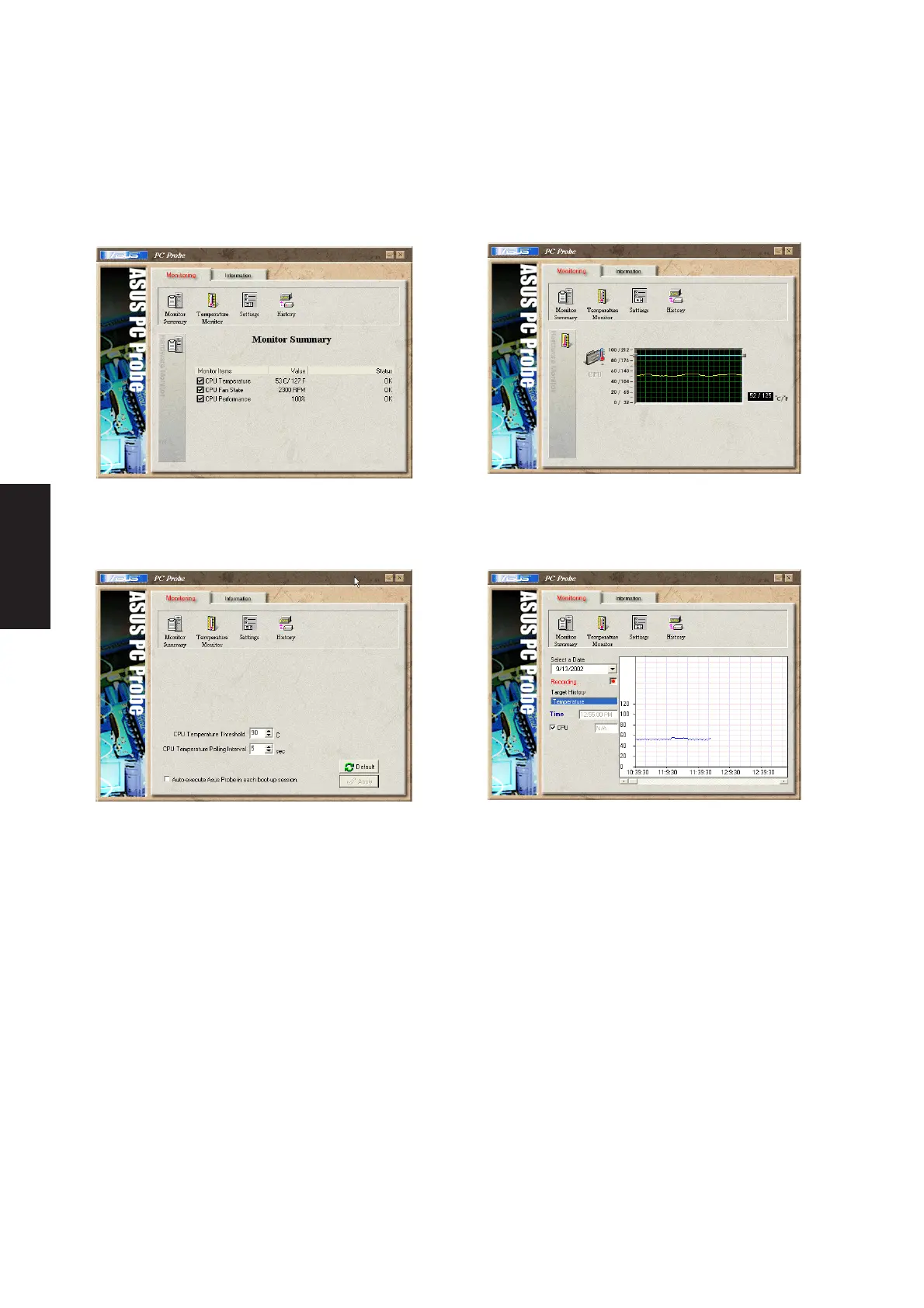
Monitor Summary
Shows a summary of the items being monitored.
Temperature Monitor
Shows the PC’s temperature.
Settings
Lets you set threshold levels and polling intervals
or refresh times of the PC’s temperature, fan
rotation, and voltages.
History
Lets you record the temperature monitoring
activity by date, time, and target history. Click
the record button and select a date. To view a
previous recording, simply choose that date.
Using PC Probe Monitoring











 To Next Page