7-7ASUS RS400-E8-PS2, RS400-E8-PS2-F
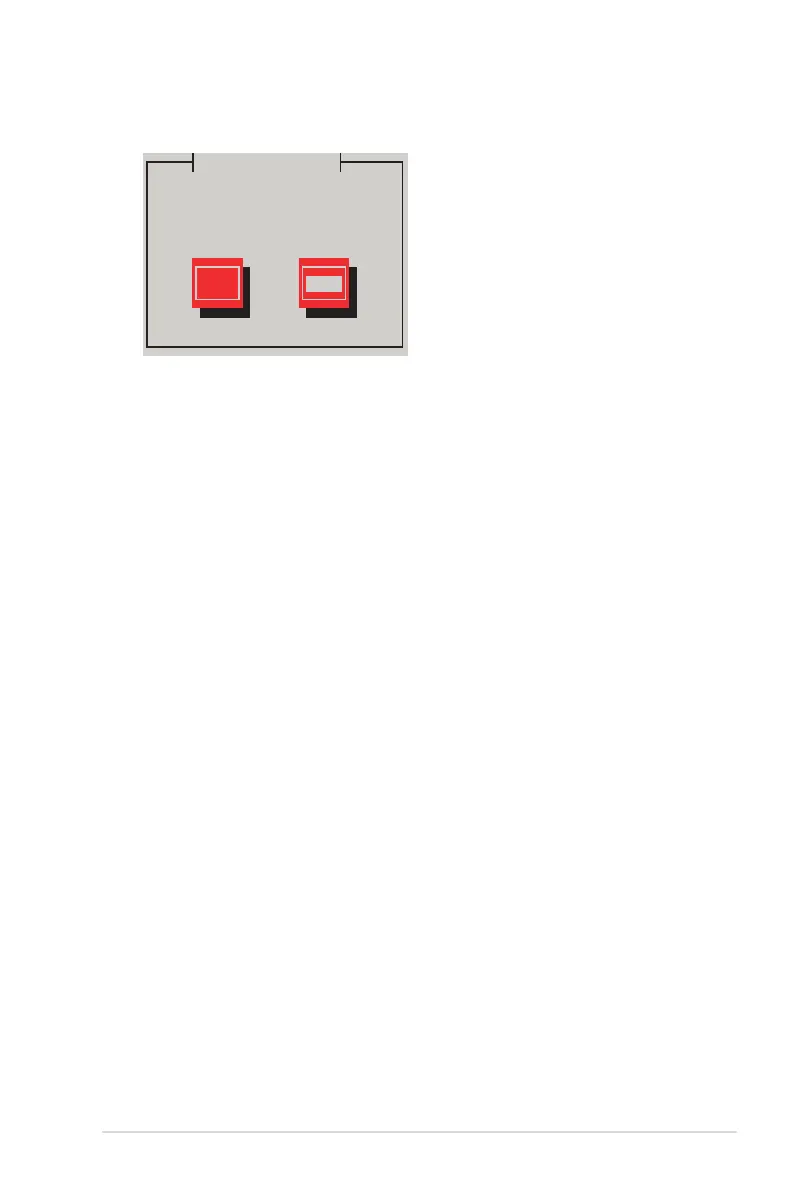
5. When asked if you will load additional RAID controller drivers, select No, then press
<Enter>.
More Driver Disks?
Yes No
6. Follow the onscreen instructions to nish the OS installation.
7. When the installation is completed, DO NOT click Reboot. Press <Ctrl> + <Alt> + <F2>
to switch to the command-line interface from graphic user interface.
8. Type the following commands when using a Legacy oppy.
mkdir /mnt/driver
mount /dev/fd0 /mnt/driver
cd /mnt/driver
sh replace_ahci.sh
reboot
Do you wish to load any more
driver disks?













 To Next Page