ASUS RS400-E8-PS2, RS400-E8-PS2-F
5-3
3. Press <Tab> to switch to the Driveeld.
4. PresstheUp/DownarrowkeystondtheUSBashdiskthatcontainsthelatestBIOS,
then press <Enter>.
5. Press <Tab> to switch to the Folder Infoeld.
6. PresstheUp/DownarrowkeystondtheBIOSle,andthenpress<Enter>toperform
the BIOS update process. Reboot the system when the update process is done.
5.1.2 ASUS EZ Flash 2 Utility
The ASUS EZ Flash 2 Utility feature allows you to update the BIOS without having to use a
DOS‑based utility.
Beforeyoustartusingthisutility,downloadthelatestBIOSfromtheASUSwebsiteatwww.
asus.com.
To update the BIOS using EZ Flash 2 Utility
1. InserttheUSBashdiskthatcontainsthelatestBIOSleintotheUSBport.
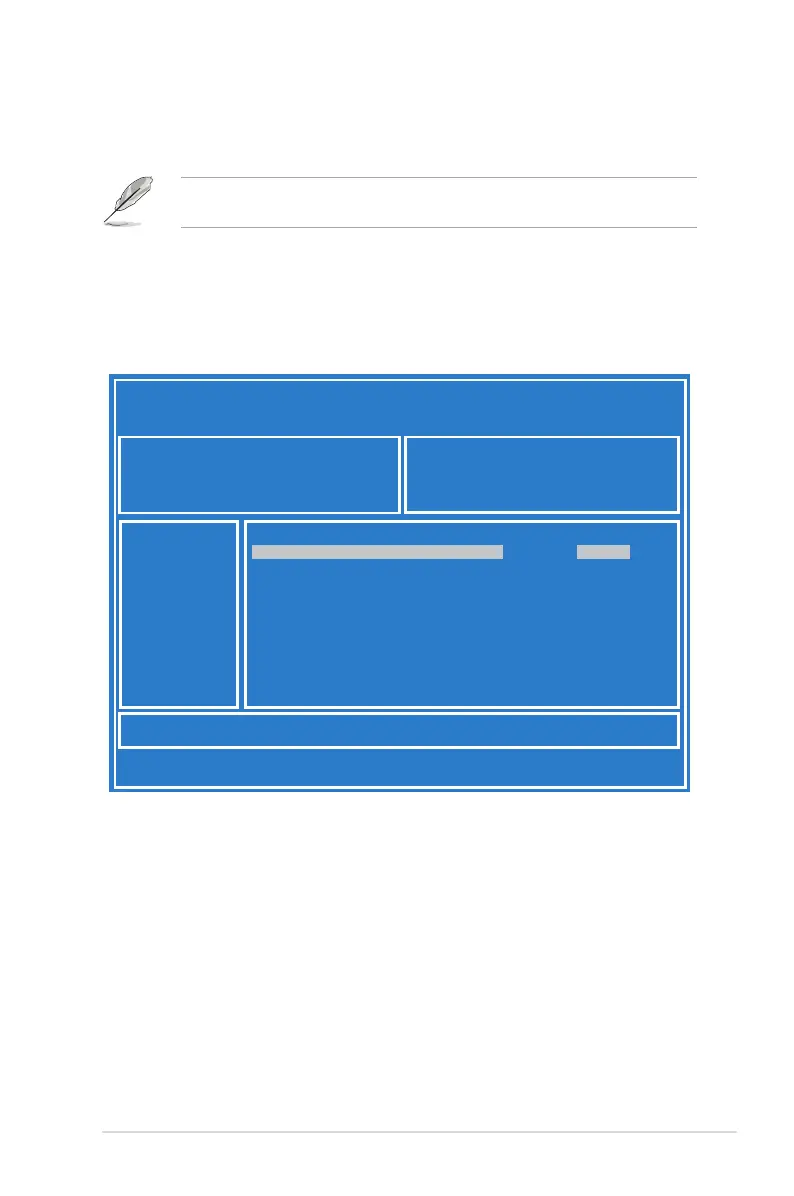
2. Enter the BIOS setup program. Go to the Tool menu then select ASUS EZ Flash 2
Utility. Press <Enter>.
ASUS Tek. EzFlash Utility
[Up/Down/Left/Right]:Switch [Enter]:Choose [q]:Exit
FS0
System Volume Information
<DIR>
Windows
<DIR>
Z10PR-D16 BIOS <DIR>
Current Platform
Platform : Z10PR-D16
Version : 0020
Build Date :04/25/2014
New Platform
Platform : Z10PR-D16
Version : 0022
Build Date :05/05/2014













 To Next Page