2-19
ASUS RS400-E8-PS2, RS400-E8-PS2-F
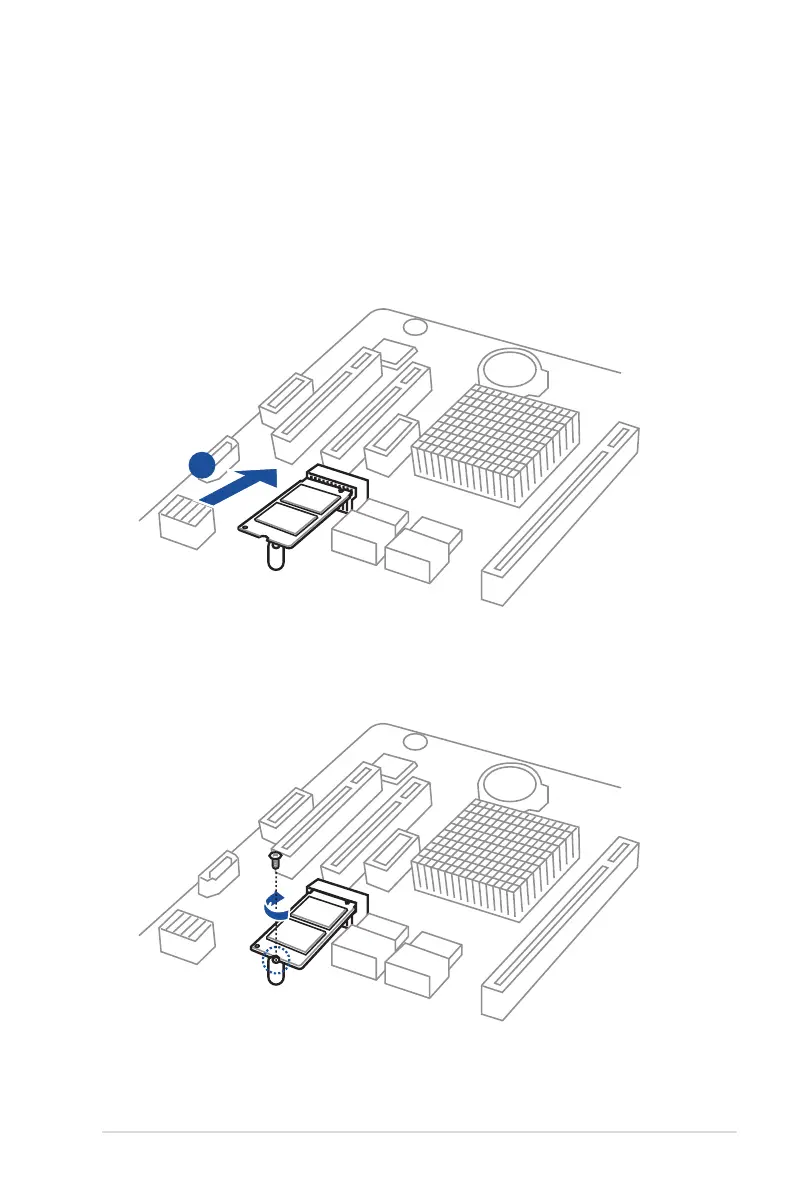
2.5.2 Installing an M.2 expansion card
YoucaninstallanM.2expansioncardontheprovidedM.2slotonboard.
ToinstallanM.2expansioncard:
1. RemovethescrewontheM.2sicketandputitaside.
2. PrepareyourM.2expansioncard.
3. AlignandinserttheM.2cardintotheM.2slotonboardasshown.
4. SecuretheM.2cardwithascrewtocompletetheinstallation.
3













 To Next Page