RT-75 / RT-75HD US O&M
0405-073 2020-07
4 MACHINE DESCRIPTION / CONTROLS
55
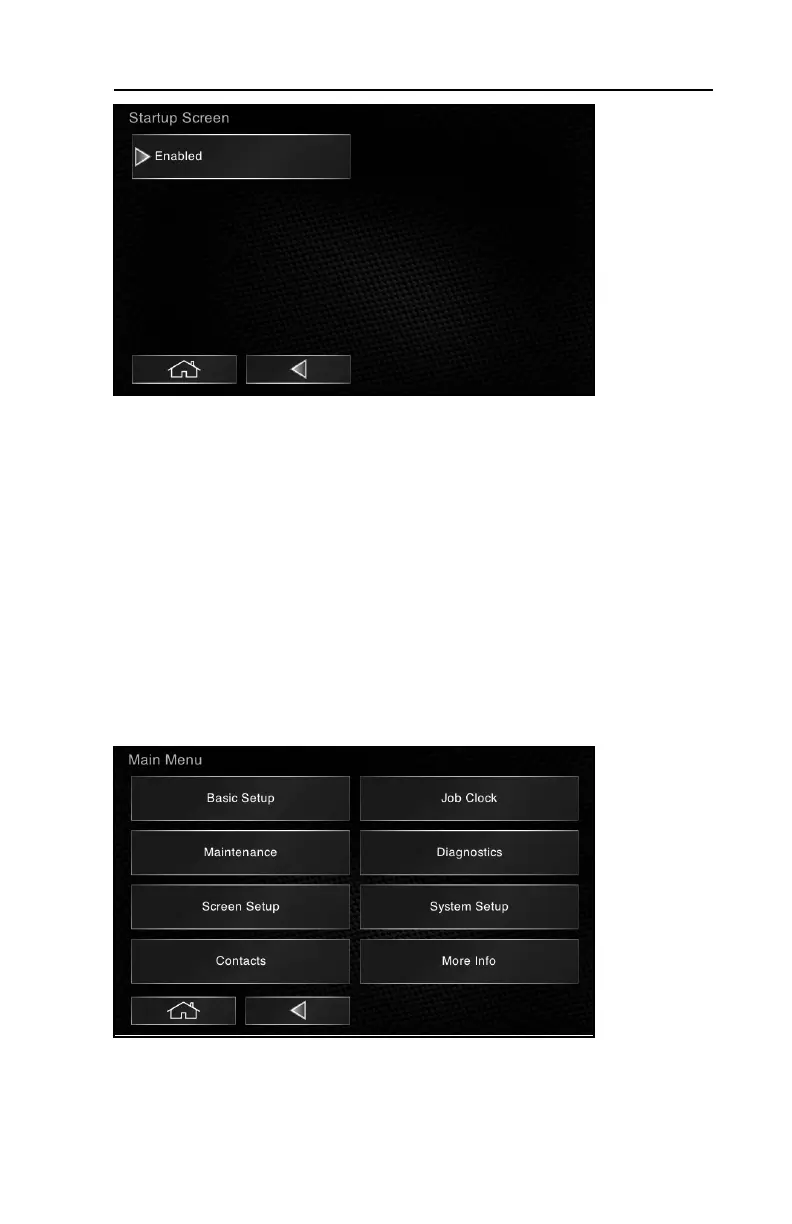
3.Select Enabled From the Startup Screen sub-menu.
The default administrator password is 1111. Once you enable password pro-
tection, you must turn the key to the off position, wait 10 seconds to allow the
change to take effect, then you may turn the key on and enter the default pass-
word to gain access to the operator interface.
Once logged in, you can access the Administrator (Admin) user profile, change
passwords, reset statistics or create new user profiles with their own individual
passwords to limit access and allow the collection of useful operating statistics
for each operator. DO NOT forget the password to the administrator profile
(see “Forget your password?” later in this section).
To Change Your Username or Password:
1.Select System Setup from the main menu.



 To Next Page