RT-75 / RT-75HD US O&M
0405-073 2020-07
4 MACHINE DESCRIPTION / CONTROLS
59
4.Enter a new username and change / enter password as
described earlier in this section to allow the profile to be accessed
upon startup through the password lock screen.
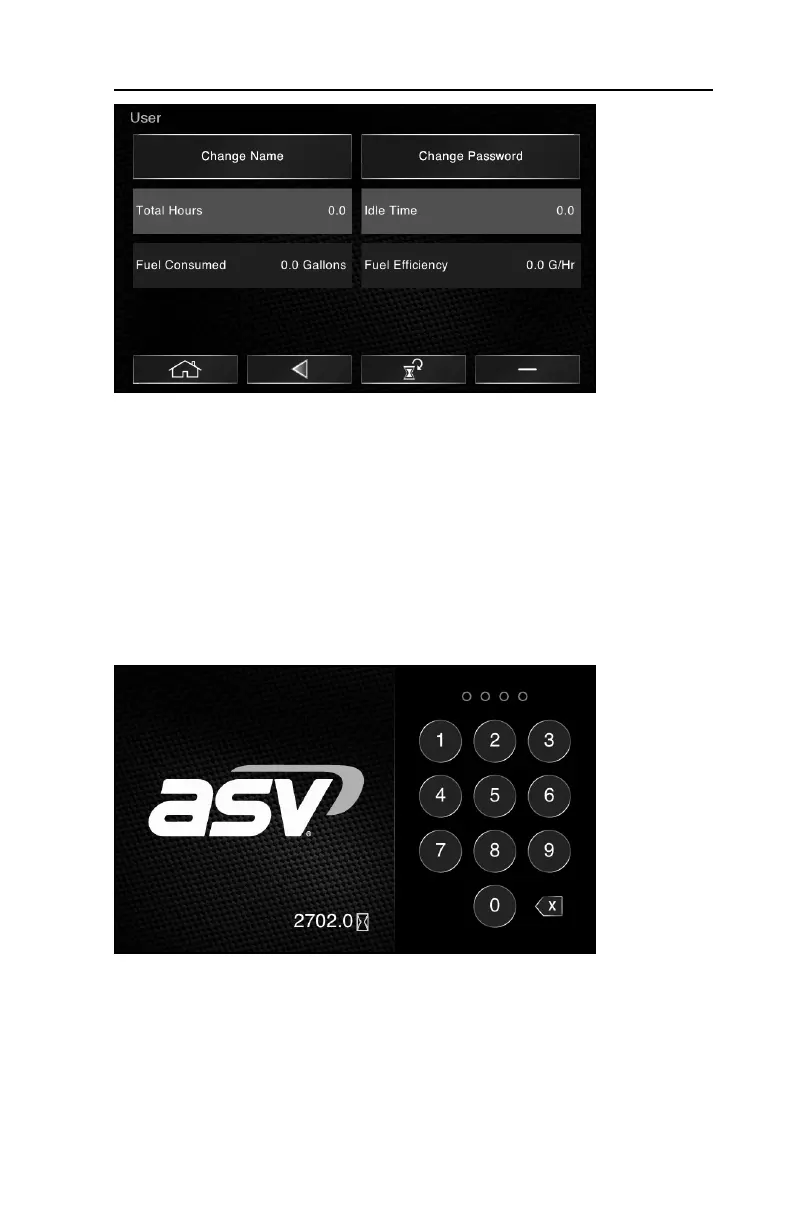
Once established, a user profile may be accessed upon startup by entering the
associated password. Each profile will gather information about operation per-
formed while signed in. Monitoring these statistics can be useful to help maxi-
mize efficiency or keep track of operating hours for a given operator or project.
To reset operating statistics (or delete a profile) for a given user:
1.Turn the key off, then turn the key back on to bring up the login screen.
2.Log in using the password set for the Admin user profile.
3.Repeat steps 1 & 2 of the “create new user profiles” procedure on the preceed-
ing page. Then select the user profile for which you would like to reset statistics
(or delete).



 To Next Page