60
4 MACHINE DESCRIPTION / CONTROLS
RT-75 / RT-75HD US O&M
0405-073 2020-07
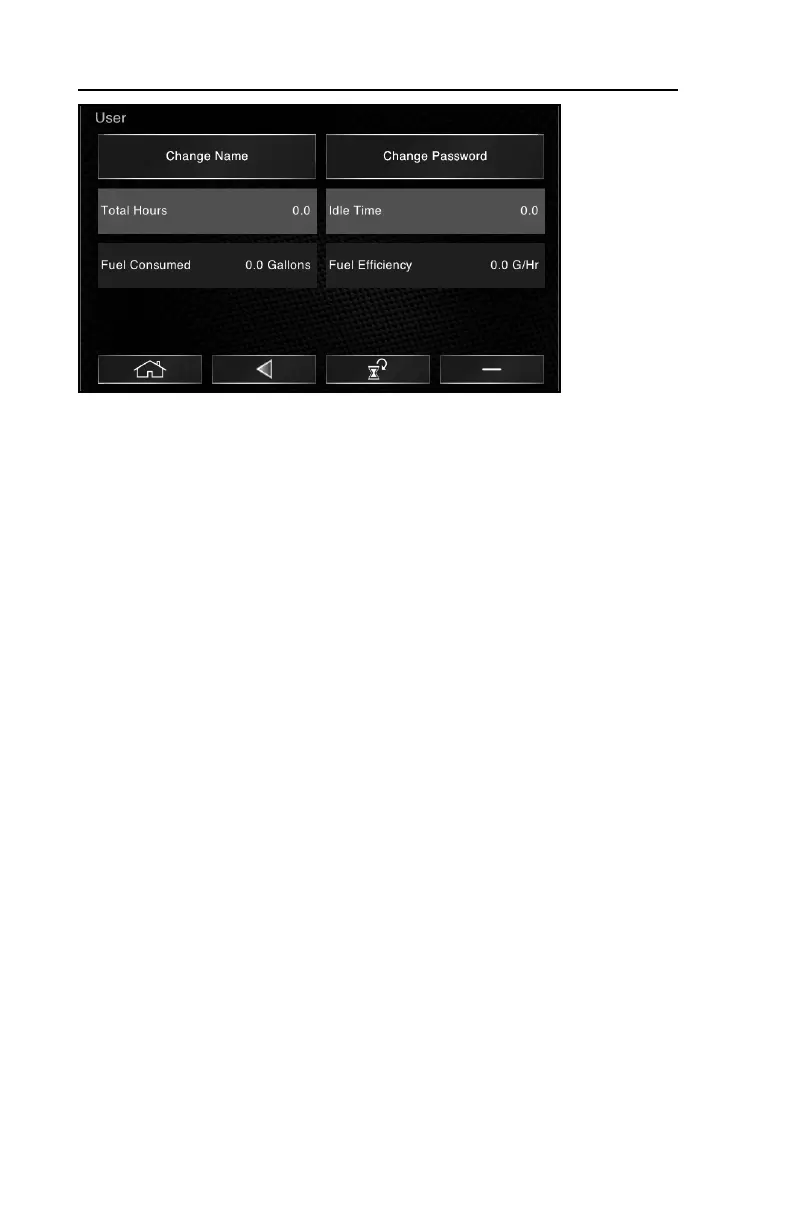
4.To reset user statistics, select the “reset” icon at the bottom of
the screen. When prompted, “are you sure?” select the confirm icon.
5.To delete a user profile, select the - Icon in the lower right corner
of the screen. When prompted, “are you sure?” select the confirm icon.



 To Next Page