62
4 MACHINE DESCRIPTION / CONTROLS
RT-75 / RT-75HD US O&M
0405-073 2020-07
Maintenance Menu
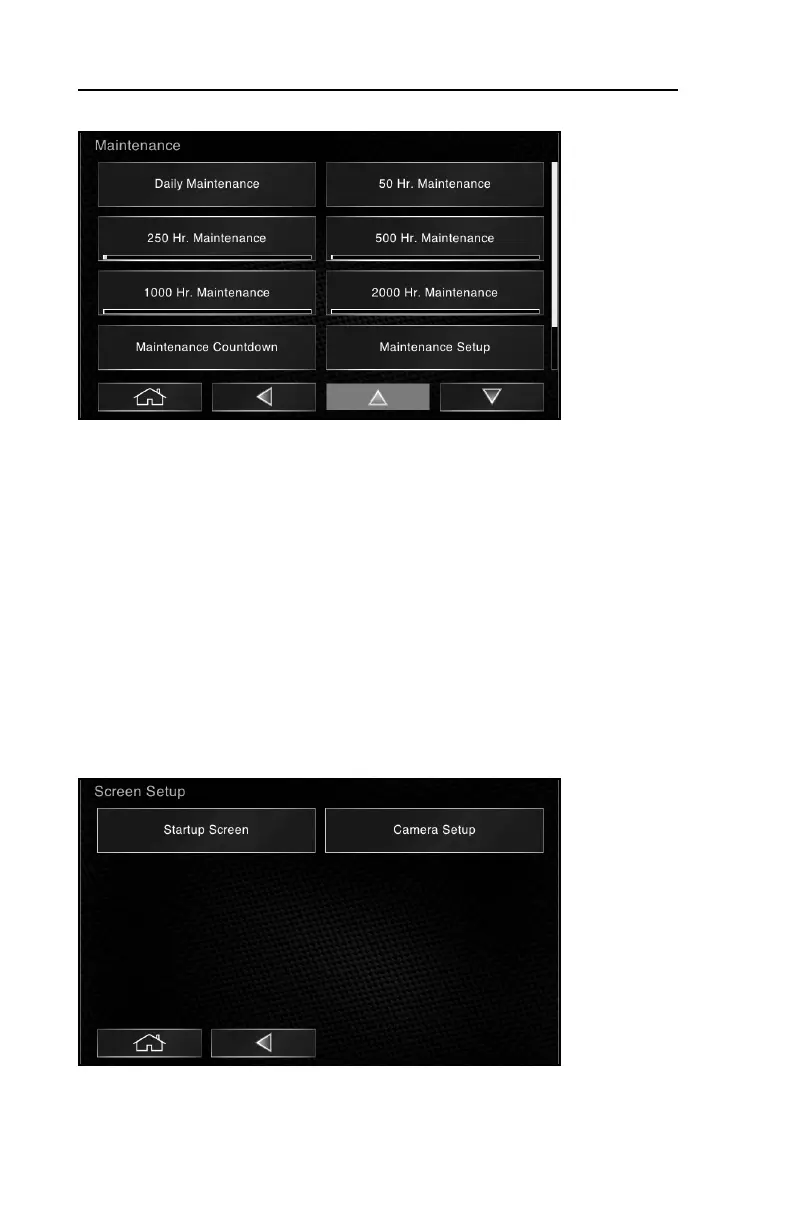
This screen allows access to various sub-menus relating to Maintenance. Within
each sub-category, you will find the maintenance tasks required at each service
interval. You will also find trackers that log operating hours since the last service
interval. Once service is required, a pop-up will display on the screen indicating a
need for maintenance. Once complete, you may reset the maintenance clock in
the appropriate category allowing the interface to properly calculate the next
service interval and begin the countdown.
Maintenance Setup allows an operator to enable or disable pop-ups relating to
maintenance (see section 4.11).
Maintenance History provides a log of maintenance performed over the life of the
machine.
Screen Setup
This screen allows access to Startup Screen options (password protection
enabled / disabled) and Camera Setup (enabled /disabled or flip horizontal or
vertical).



 To Next Page