RT-75 / RT-75HD US O&M
0405-073 2020-07
4 MACHINE DESCRIPTION / CONTROLS
63
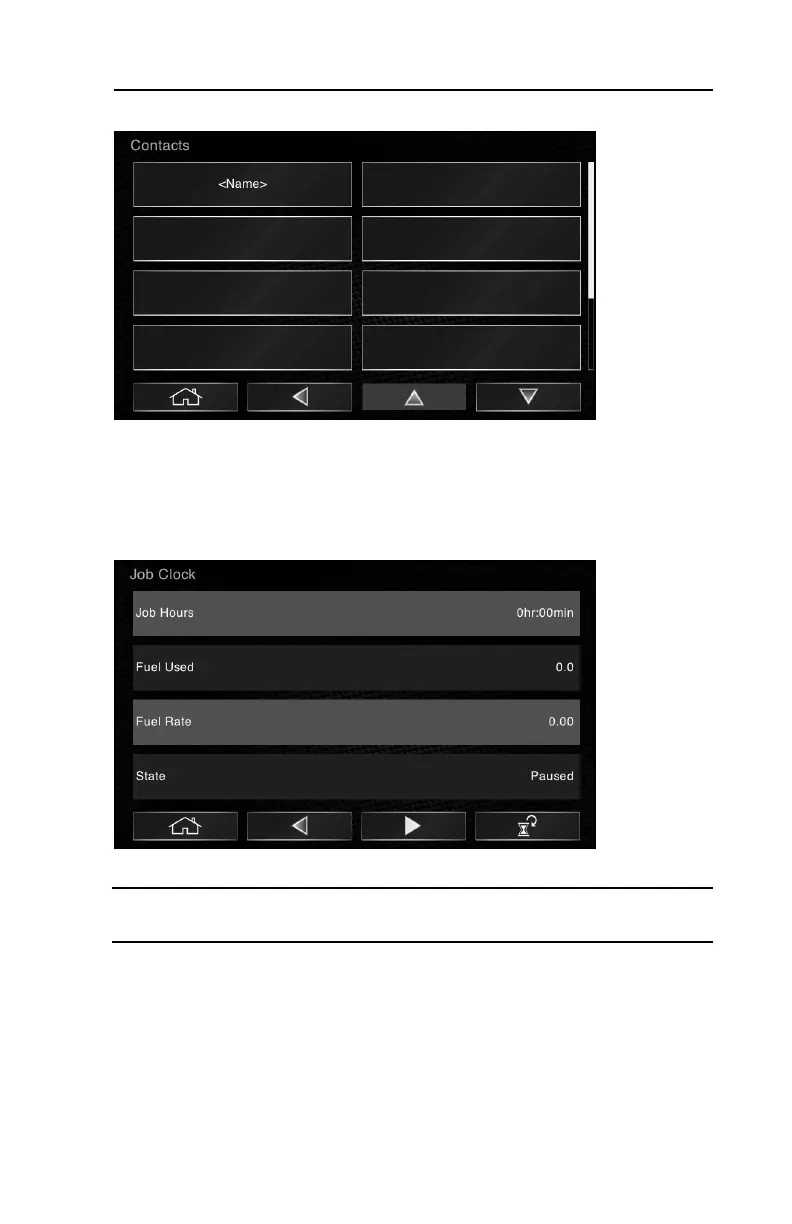
Contacts
This screen provides a place for storing contact information. Select a vacant box
(or the + sign) to add name, address, phone, website, etc. for important contacts
like your local dealer. Only the Admin user profile may add or delete entries here.
Job Clock
This screen displays collected operating information for a set period of time.
Note: When the job clock is active, you may access it from the home screen by
clicking on the clock icon in the upper right corner of the screen.
• To start the job clock: Press the right facing arrow (play) icon on the screen.
Once activated, you will see a clock icon appear in the upper right hand corner
of the gauge screen.
• To pause the job clock: Press the II (pause) icon on this screen. The icon on
the gauge screen will also display the II (pause) symbol across the clock icon.
• To resume the job clock when paused: Press the play icon here.
• To reset the job clock: Press the reset icon here.



 To Next Page