RT-75 / RT-75HD US O&M
0405-073 2020-07
4 MACHINE DESCRIPTION / CONTROLS
65
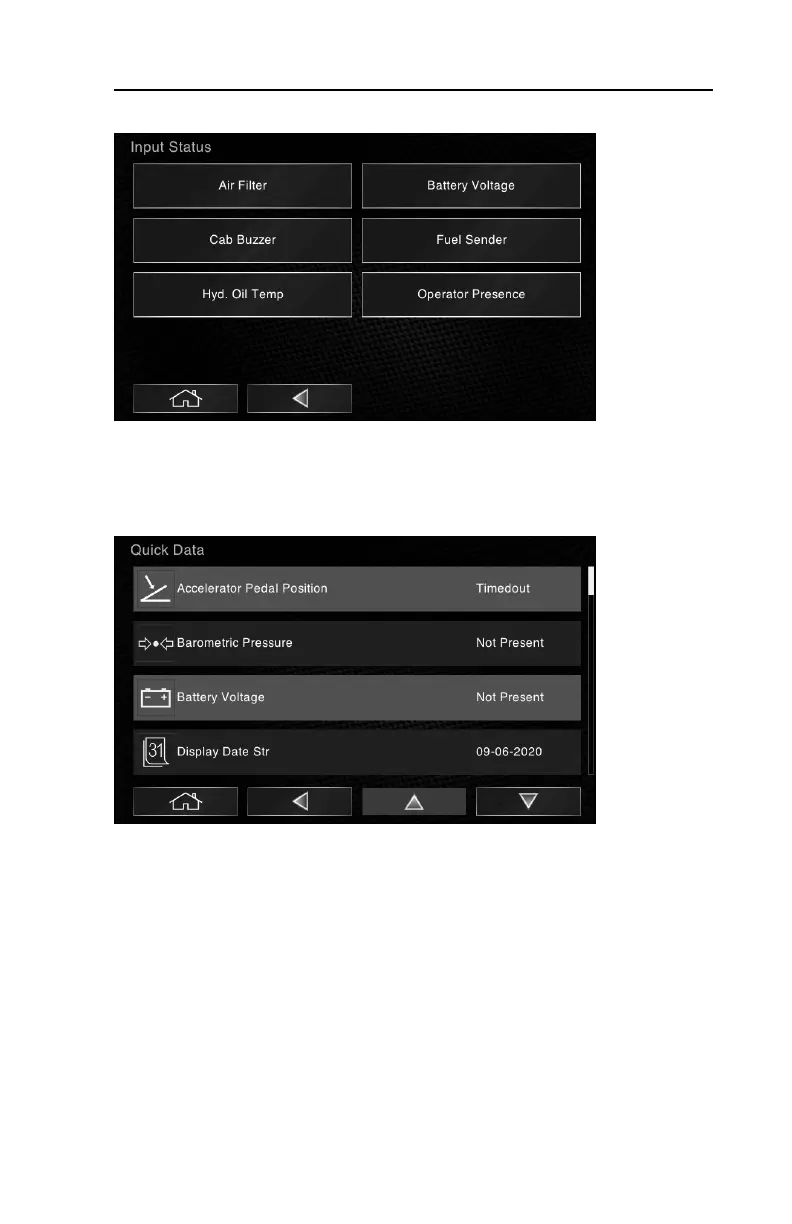
Input Status
This screen allows access to inspect the state of various sensors providing the
display with information. Select each icon to inspect the state of the item.
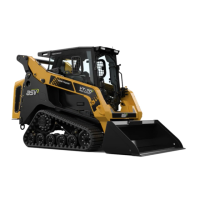
Quick Data
This screen allows you to access various streams of system information. Toggle
between the selected signals using the up and down arrow icons to view relevant
information.
Device List
This screen is there primarily to provide information about devices on the CAN
bus to dealers when servicing the machine.



 To Next Page