RT-75 / RT-75HD US O&M
0405-073 2020-07
Fault Menu
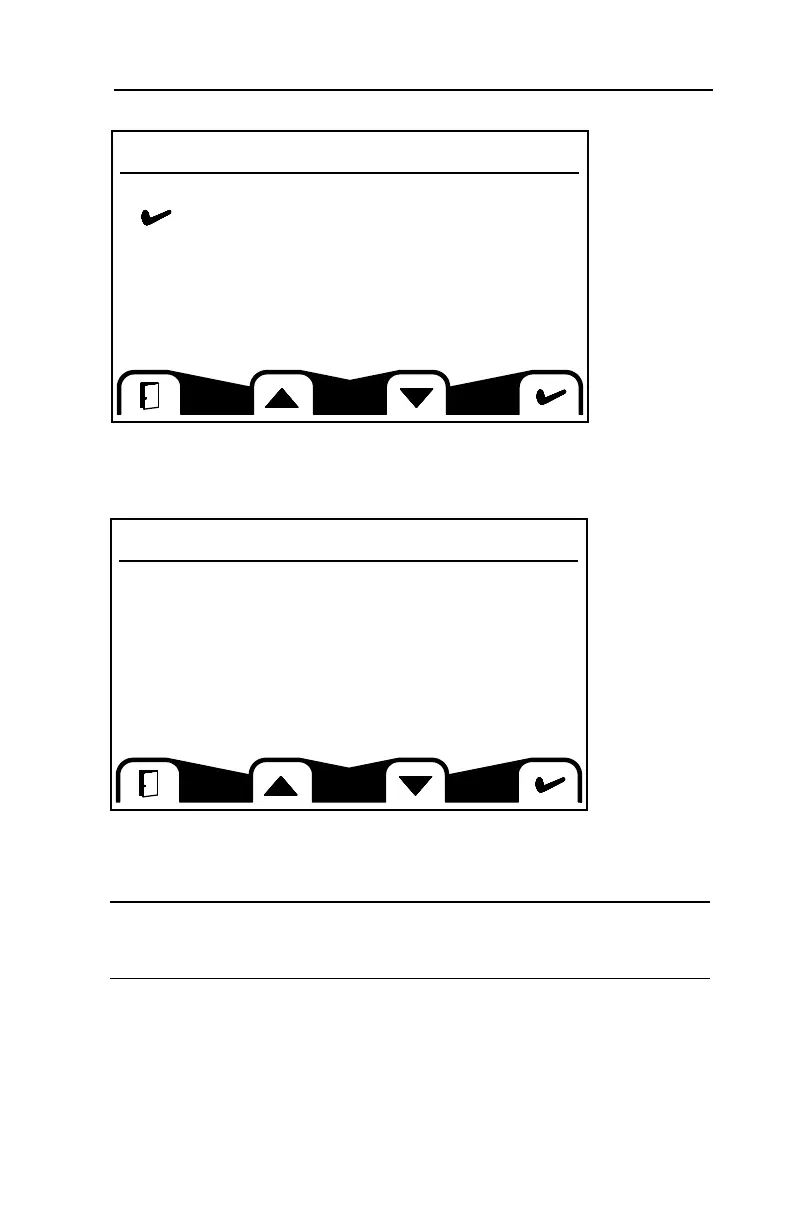
This screen allows you to access Active and Previous Faults.
Active Faults
This screen will display any faults detected by the operator interface. The faults
recorded here are typically ones that must be corrected in order to operate the
machine.
Note: When a fault is detected, flashing lights will illuminate accompanied by a
pop up message listing the current fault. Lights will continue to flash until
acknowledged and will remain illuminated until the fault is cleared.
• Press the button located beneath the open door icon to clear the pop up and
return to the previous screen.
• Press the buttons below the arrow keys to toggle between multiple faults.
• Press the button beneath the check mark to clear the pop up and go the active
fault information screen.
Fault Menu
Active Faults
fault ( 1) of ( 2)
2-Speed Fault -
Solenoid open or shorted
Active Faults
Previous Faults
71
4 MACHINE DESCRIPTION / CONTROLS



 To Next Page