RT-75 / RT-75HD US O&M
0405-073 2020-07
72
4 MACHINE DESCRIPTION / CONTROLS
Quick Data
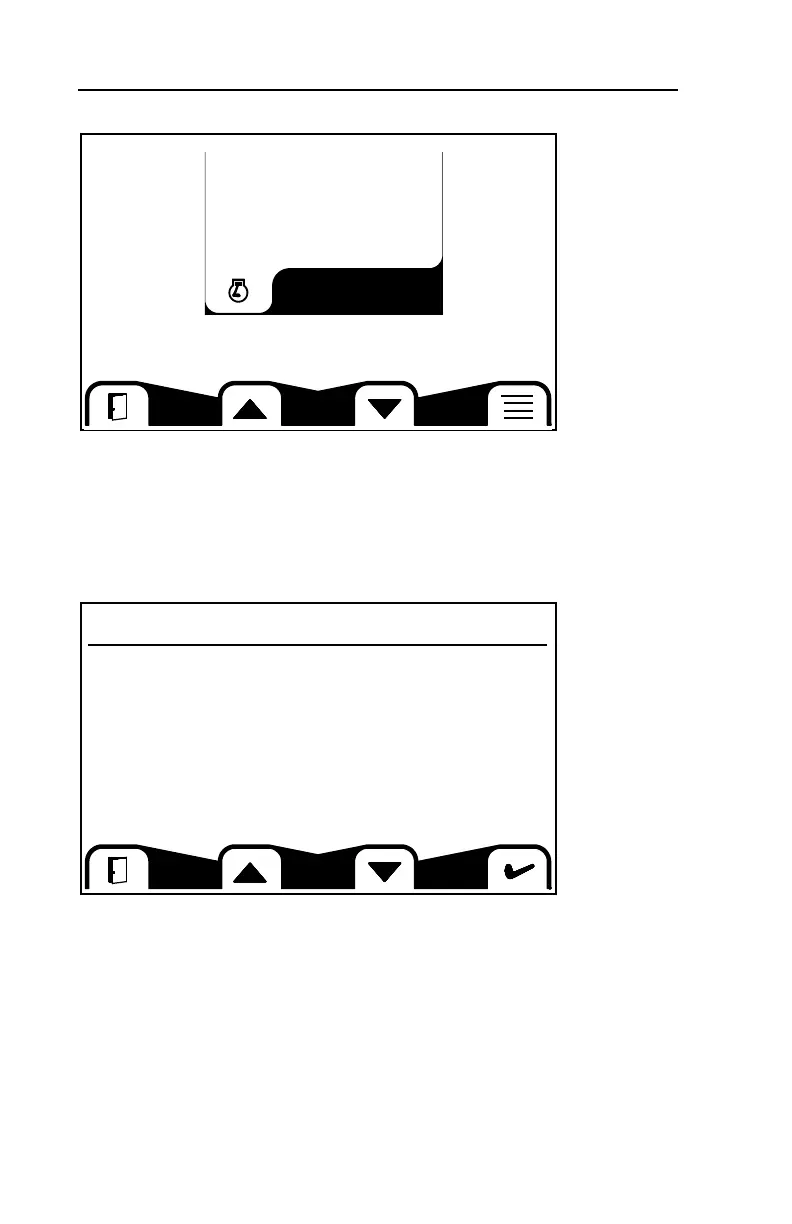
This screen allows you to access various system information. To access the
selectable information signals, press the button beneath the list icon in the lower
right of the window. Toggle between the selected signals using the buttons
beneath the up and down arrow icons.
Quick Data Selection Screen
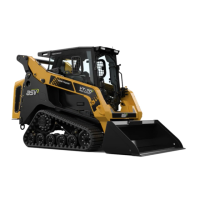
This screen allows you to select data signals for display on the above Quick Data
screen. Highlight selections with the buttons beneath the up and down arrows,
then confirm by pressing the button beneath the check mark icon.
Once selected, return to the Quick Data display screen by pressing the button
beneath the open door icon. To view, toggle through the selected signals with the
buttons beneath the arrow keys as described above in Quick Data.
Select Signals
RPM
800
Engine RPM
Vehicle Speed
Coolant temp
Coolant Press
Coolant Level
Engine Oil Temp
Engine Oil Press
Engine Oil Level
Battery Voltage
Fuel Level
*
N/A
*
*
N/A
N/A



 To Next Page