RT-75 / RT-75HD US O&M
0405-073 2020-07
Screen Setup
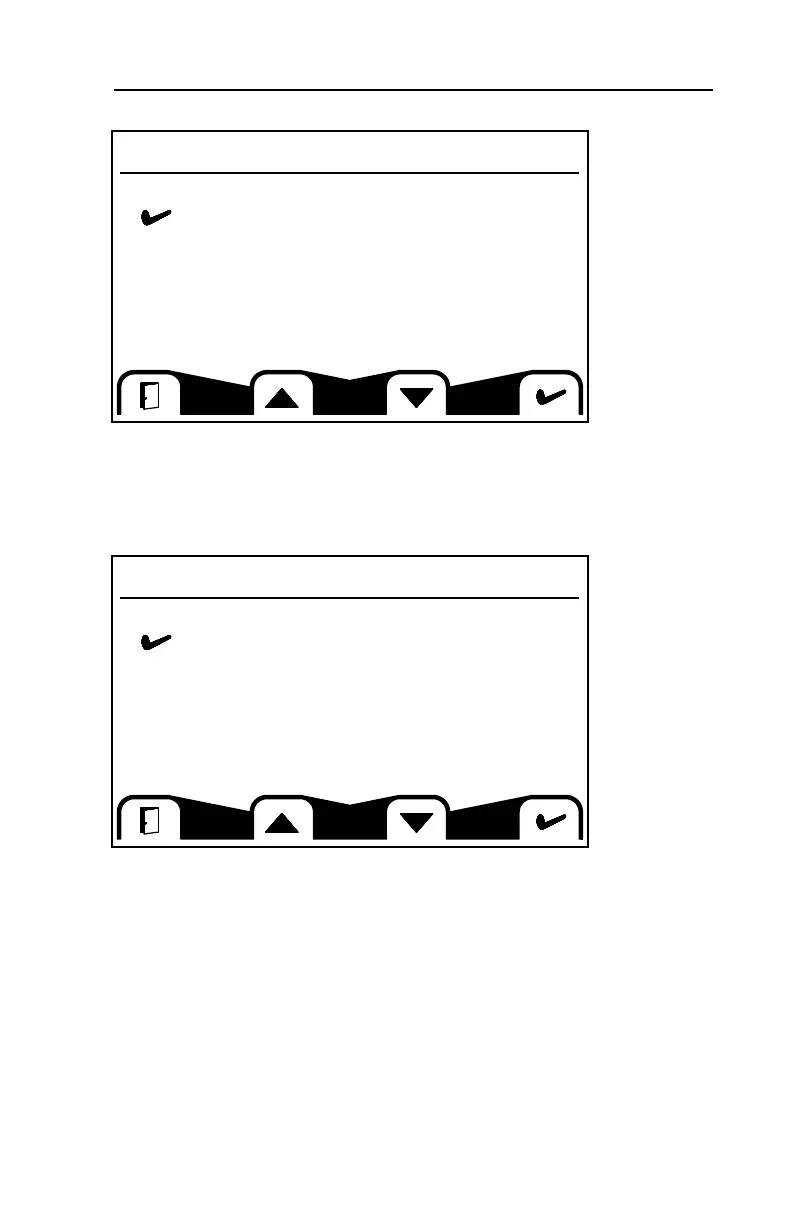
This screen allows you to change the configuration of the gauge screens. It is not
recommended to alter these settings. If you do and would like to return to the
default settings, follow the directions under Reset Defaults in this section.
System Setup
This screen allows you to access sub menus relating to the system setup. It is
not recommended to alter settings in the CAN, Display and PIN Setup sub
menus.
Screen Setup
Parameters
Number Of Screens
Select Screens
System Setup
Reset Defaults
CAN
Display
PIN Setup
Trip Re se t
73
4 MACHINE DESCRIPTION / CONTROLS



 To Next Page