20
Setting up and starting up
3.0 Setting up and starting up
Alwaysplacethedeviceonarmandlevelsurface.
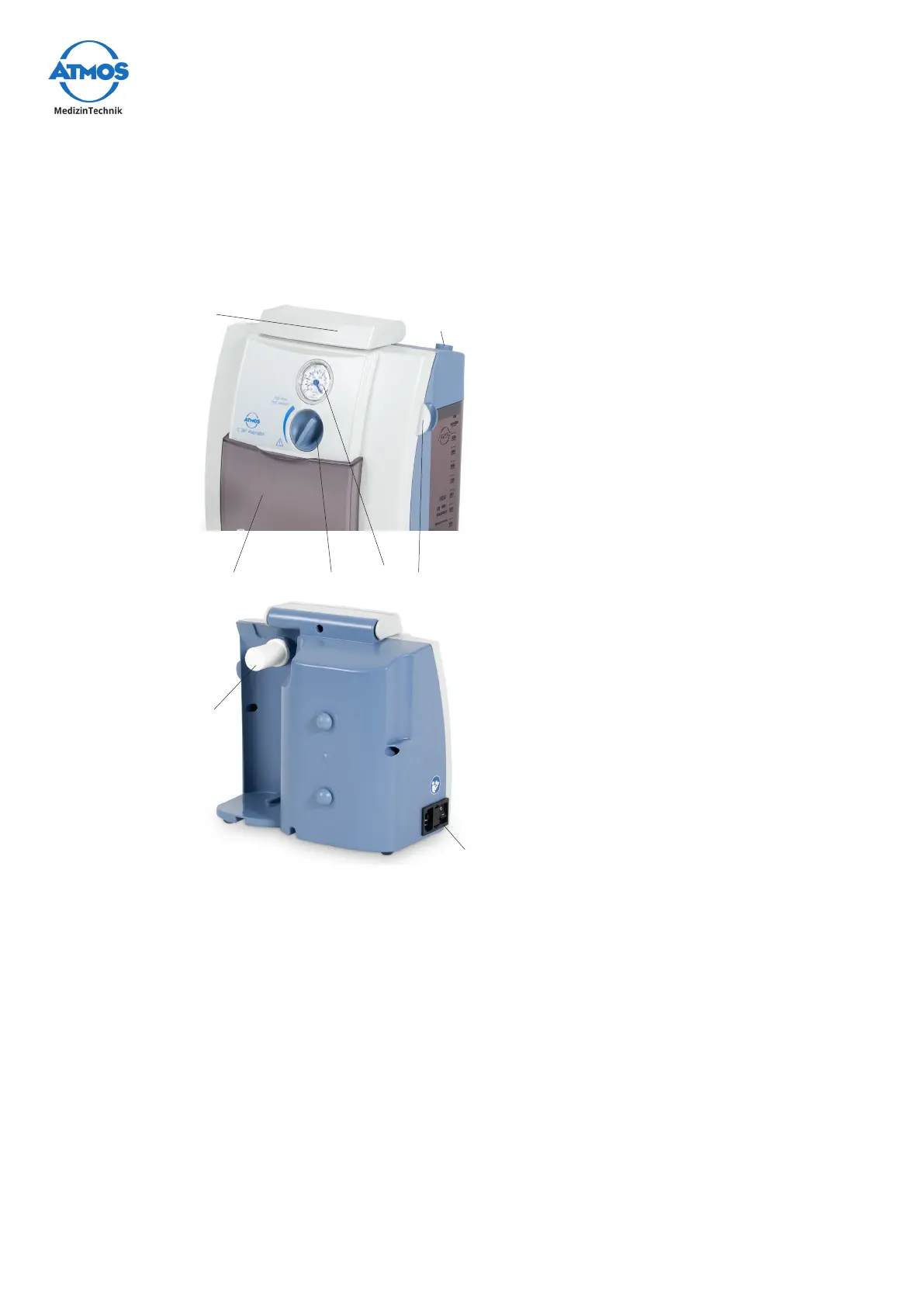
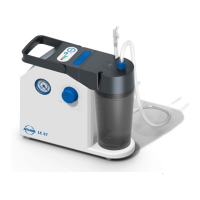
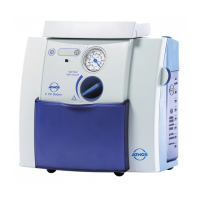
3.1 Device overview – ATMOS C 161 Aspirator and ATMOS
C 261 Aspirator
Vacuum display
Vacuum regulator
Sliding cover for covering the
controls
Hose holder
Connection for suction hose
Carry handle
Hydrophobic DDS bacterial and viral
lter
Mainsconnectionwithon/oswitch
3.1.1 Connection
Prior to start-up, check whether the voltage and frequency data listed on the device
correspond to the values of the mains power supply.
Check the power cable for any damage. Damaged power cables must be replaced
immediately.
3.1.2 Start-up
• The ATMOS C 161 Aspirator and ATMOS C 261 Aspirator are delivered ready for
operation.
• Remove the device from the packaging. Check whether the voltage on the type plate
corresponds to the mains power supply.
• Alwaysplacethedeviceonarmandlevelsurface.
• Always read the safety information in the “2.0 For your safety” on page 16 chapter
beforestartingupthedeviceforthersttime.


 To Next Page