22
Setting up and starting up
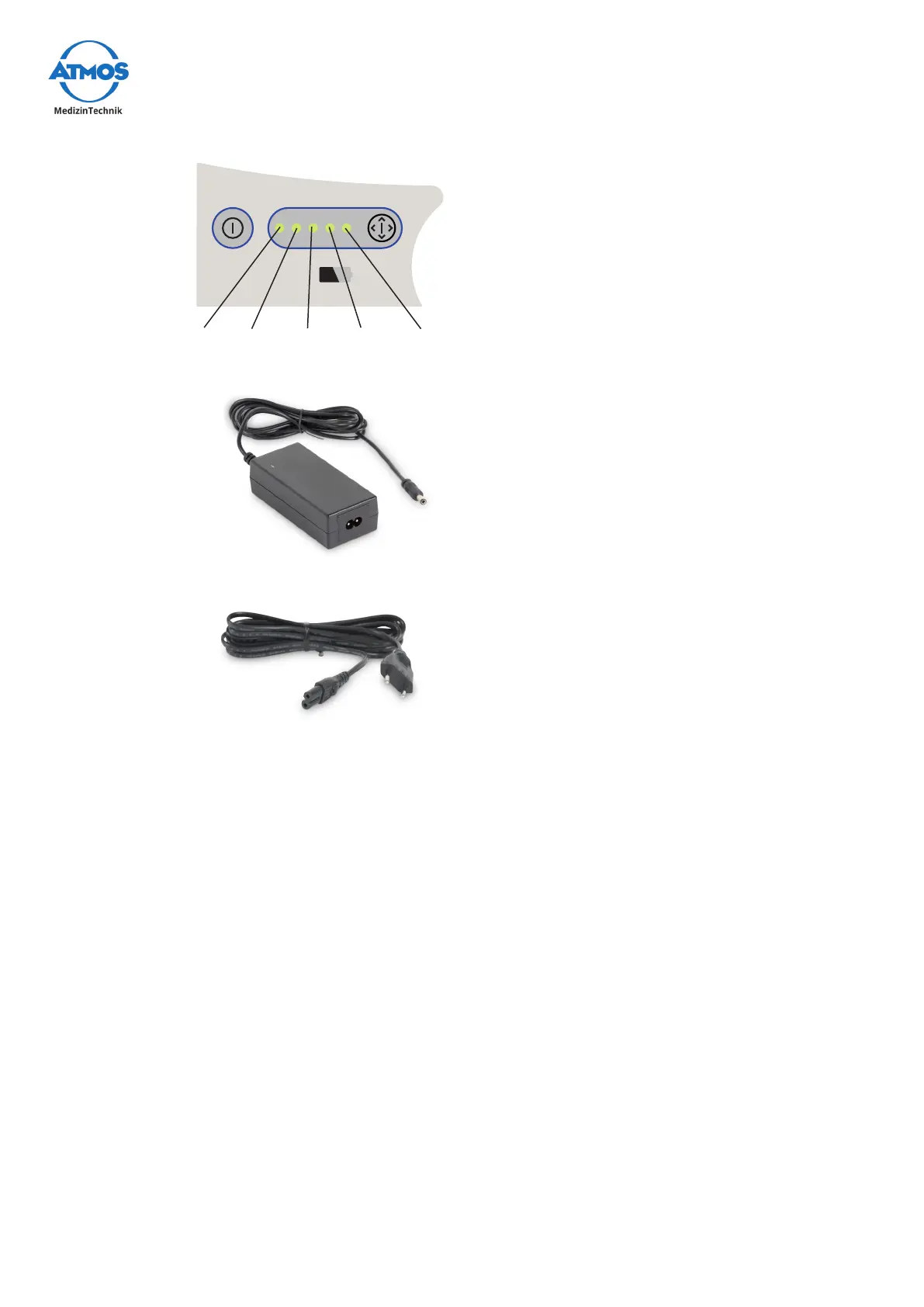
Battery capacity: approx. 60 min.
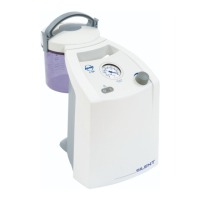
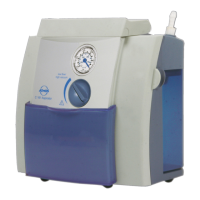
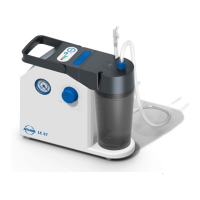
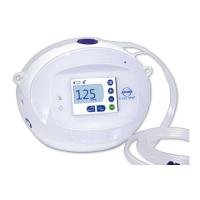
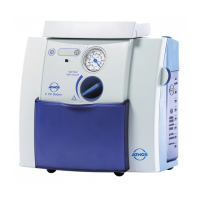
C 161 Battery
high flow/
high vacuum
20% 40% 60% 80% 100%
Display of the battery status
Recharging unit for ATMOS devices
2-pinpowercable,L=1.5m
3.2.1 Connecting to the recharging unit
Before switching on the device, make sure that the power supply grid is designed for
connecting a device that operates in the range from 100 - 240 VDC at a grid frequency
of 50/60 Hz. Use only the included recharging unit for the device.
Check the power cable and recharging unit for any damage. In case of damage, replace
immediately.
Start-up
• The ATMOS C 161 Battery is delivered ready for use.
• Remove the device from the packaging. Check whether the voltage on the type plate
corresponds to the mains power supply.
• Alwaysplacethedeviceonarmandlevelsurface.
• Thebatterymustbefullychargedpriortotherstuse.
• Check whether the battery is fully charged. To do this, press the battery status check
button (). If the battery is fully charged, all the elements of the battery status
display () will light up. If this is not the case, please charge the battery (see chapter
3.2.2).
• Always read the safety information in the “2.0 For your safety” on page 16 chapter
beforestartingupthedeviceforthersttime.


 To Next Page