93
A.1 Resetting Your t170 to the Unmanaged State
Your t170 can be managed by the Atrust Device Manager console, a tool developed by Atrust for remote and mass
client management. To release a managed t170 from the management of Atrust Device Manager, you can perform
Release from management locally through Atrust Thin Client Menu.
NOTE
• You can also release a managed t170 remotely from Atrust Device Manager.
For details, please refer to the User’s Manual for Atrust Device Manager.
To locally release your t170 from the management of Atrust Device Manager, please do the following:
1. Restart your t170.
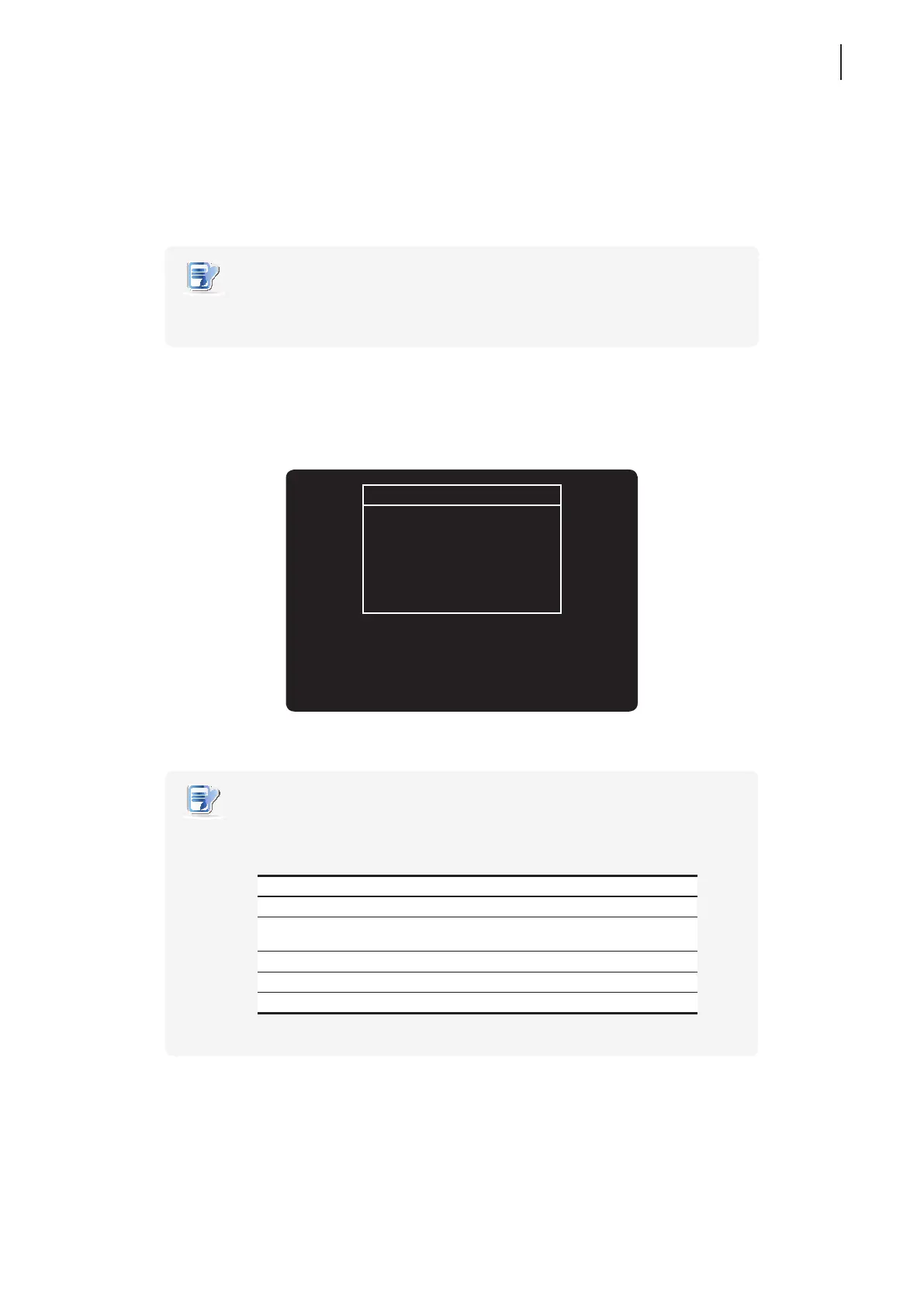
2. During the POST (Power-On Self-Test) period, press Esc on the keyboard to enter Atrust Thin Client Menu.
Atrust Thin Client Menu
Normal Mode
Release from management
Firmware update
Reboot
Shutdown
NOTE
• Five options are available on Atrust Thin Client Menu: Normal Mode, Release from
management, Firmware update, Reboot, and Shutdown. See the table below for
the description of each option:
Menu Option Description
Normal Mode Powers up your t170 as the normal startup procedure.
Release from
management
Resets your t170 to the unmanaged state.
Firmware update Updates rmware for your t170.
Reboot Restarts your t170.
Shutdown Powers off your t170.
3. Use arrow keys to select Release from management, and then press Enter to continue.
4. A message appears prompting you for conrmation. Type y to conrm.
5. Upon completion, press Enter to restart.



 To Next Page