Overview
Service Access with your t170
8
About the Behavior of System Startup
Every time when the system is started up, it will automatically log in to the Windows Embedded operating system
using the default standard user account as indicated in the preceding table about default user accounts.
1.8 Service Access with your t170
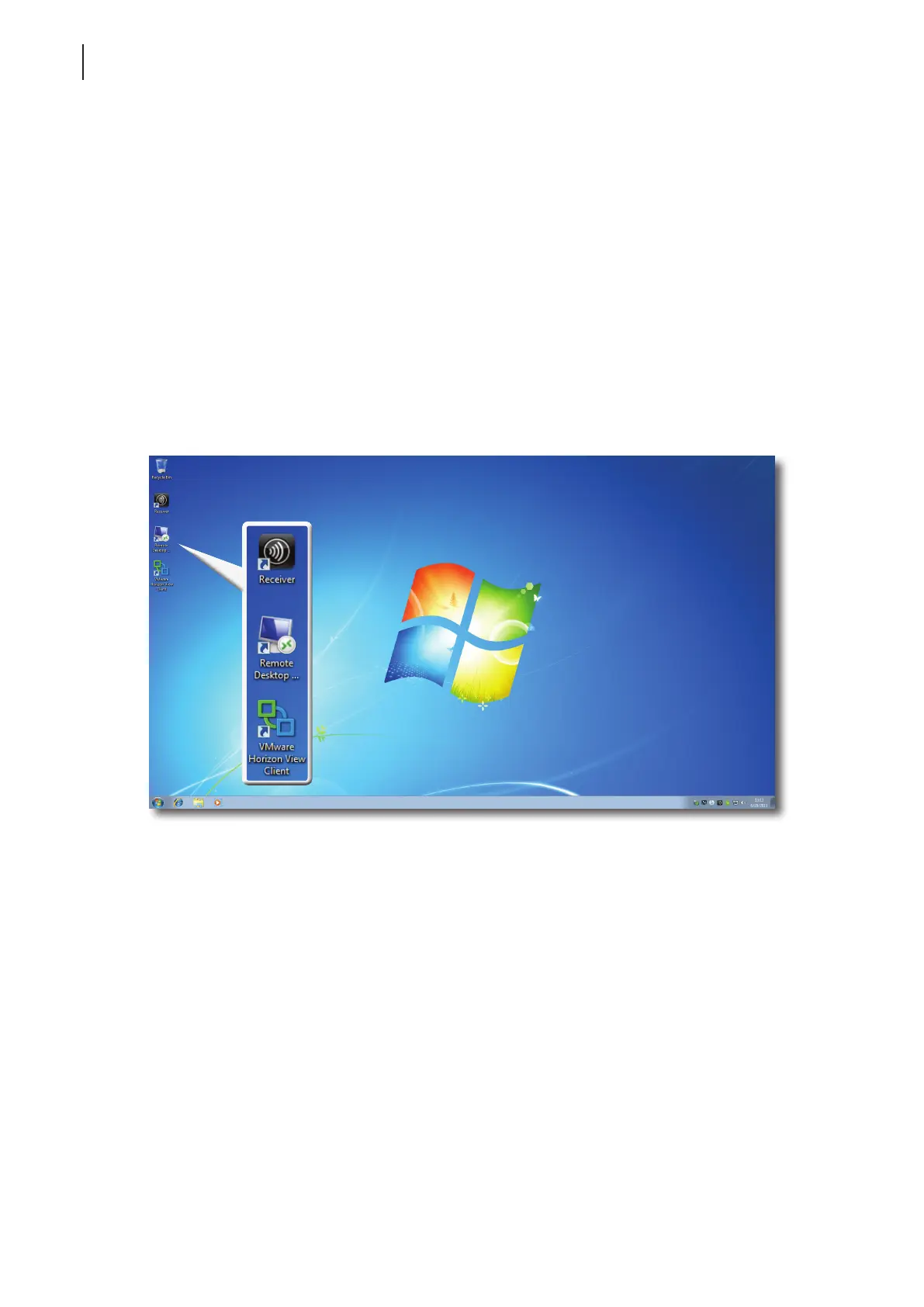
With Atrust t170, you can simply access desktop virtualization solutions from Microsoft, Citrix, and VMware, by
mouse-clicking. Two types of access shortcuts are available: standard and customized. The former is available on
the desktop of Windows Embedded by default; the latter can be created and customized through the Atrust Client
Setup console.
Standard Desktop Shortcuts
You can nd the instructions on how to use standard desktop shortcuts to access on-demand applications or
desktops in chapter 3 “Getting Started” on page 17 or in the Quick Start Guide for t170.
Customized Desktop Shortcuts
You can nd the instructions on how to create and customize access shortcuts in chapter 4 “Conguring Client
Settings” on page 25.



 To Next Page