Conguring Client Settings
Conguring Service Access Settings
50
4.5.2 Available Settings at a Glance
Tab Setting Icon Description Section Page
Applications
Remote
Desktop
Click to congure RDP (Remote Desktop
Protocol) connection settings and create access
shortcuts on the desktop and Start menu for
RDP sessions.
4.5.3
4.5.4
4.5.5
50
Citrix ICA
Click to congure Citrix ICA (Independent
Computing Architecture) connection settings
and create access shortcuts on the desktop and
Start menu for ICA sessions.
4.5.6
4.5.7
4.5.8
57
VMware View
Click to congure VMware View connection
settings and create access shortcuts on the
desktop and Start menu for View sessions.
4.5.9
4.5.10
4.5.11
81
Web Browser
Click to congure browser session settings and
create access shortcuts on the desktop and
Start menu for browser sessions.
4.5.12 87
4.5.3 Conguring Basic RDP Connection Settings
The Remote Desktop setting allows you to congure RDP (Remote Desktop Protocol) connection settings and
create shortcuts on the desktop and Start menu for Remote Desktop services. You can access services for work
simply through these shortcuts.
To quickly congure RDP connection settings for Remote Desktop services, please do the following:
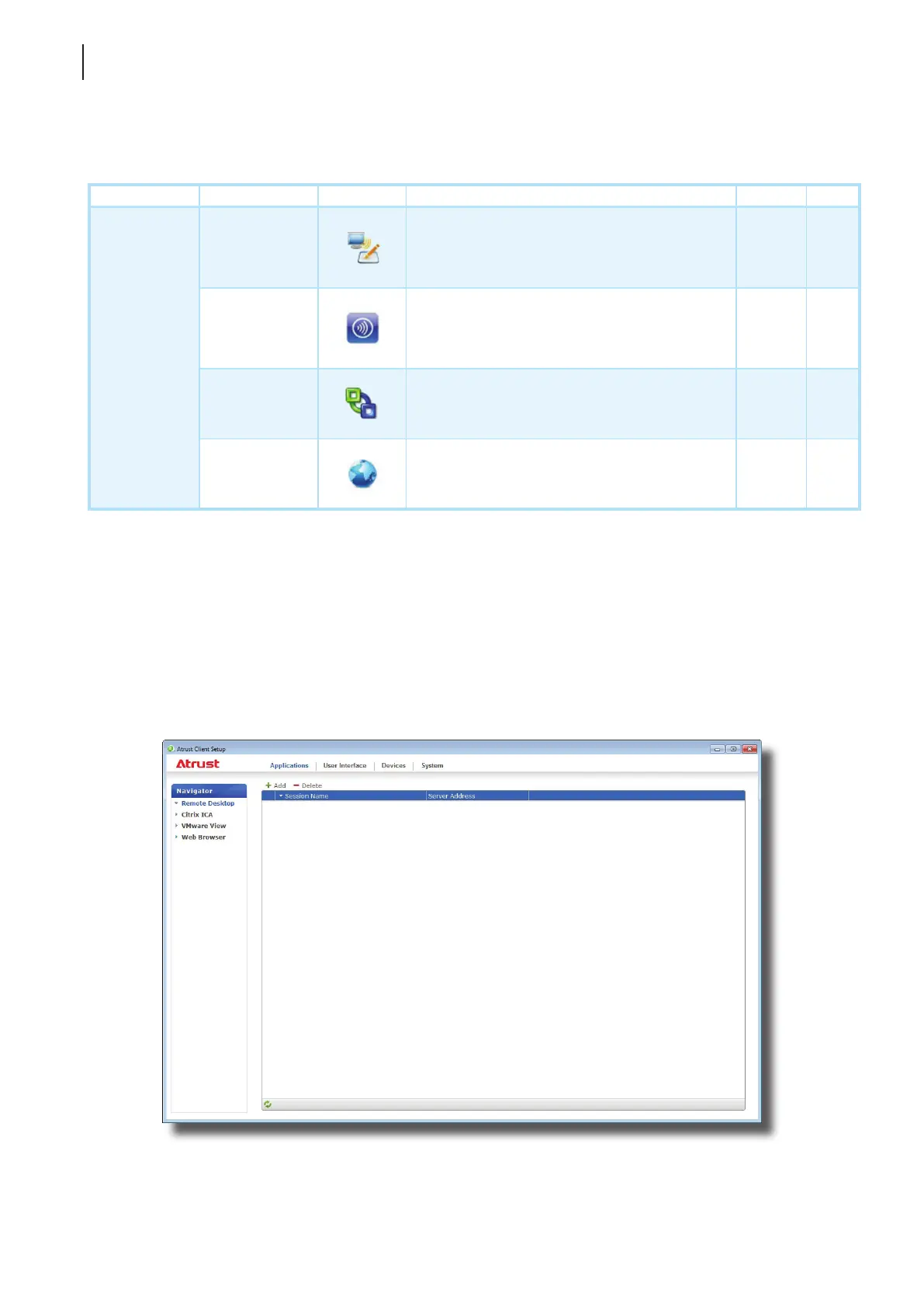
1. On Atrust Client Setup, click Applications > Remote Desktop.
2. The RDP Connection list appears in the Conguration area.



 To Next Page