94
A.2 Restoring Your Operating System
The Recovery CD / DVD for Atrust t170 enables you to restore your operating system to the factory default state.
NOTE
• Contact our technical support via fae@atrustcorp.com to get instructions on how
to get or make a Recovery CD / DVD.
To restore your operating system through the Recovery DVD, please do the following:
WARNING
• Restoring your system will overwrite all of the data in your system. Ensure that
you’ve backed up important data before proceeding.
1. Attach a DVD drive to Atrust t170.
2. Boot or Reboot your Atrust t170.
3. Upon starting up, press F7 to enter the Boot Device menu.
4. Insert the Recovery DVD.
5. On the Boot Device menu, select to boot from the optical disc drive and then press Enter to continue.
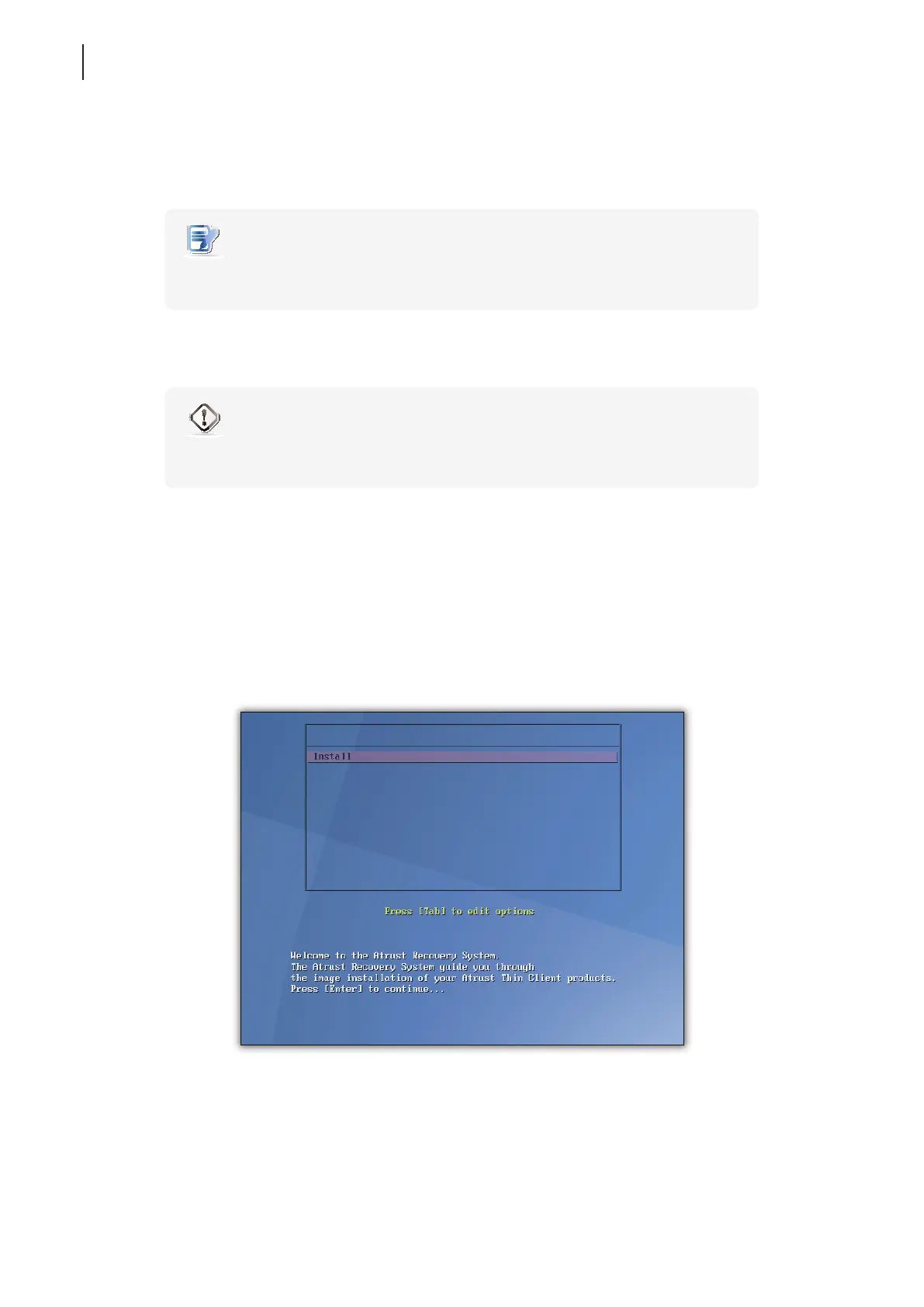
6. The Atrust Recovery System screen appears.
7. Press Enter to continue.



 To Next Page