Conguring Client Settings
Conguring System Settings
42
4.2.8 Conguring FBWF (File-Based Write Filter)
Enabling the FBWF feature will redirect all writes targeted for disk volumes to a RAM cache. All system changes will
only aect the session where the changes are made.
WARNING
• The FBWF feature is enabled by factory default. Except for changes to ACS settings,
all the changes made in a session will not be kept after the system restart. Ensure
that you choose the desired settings here before making any changes to the system.
• An icon in the Notication area of the Taskbar will indicate the current FBWF state
of your system. For details, please refer to the description at the end of this section.
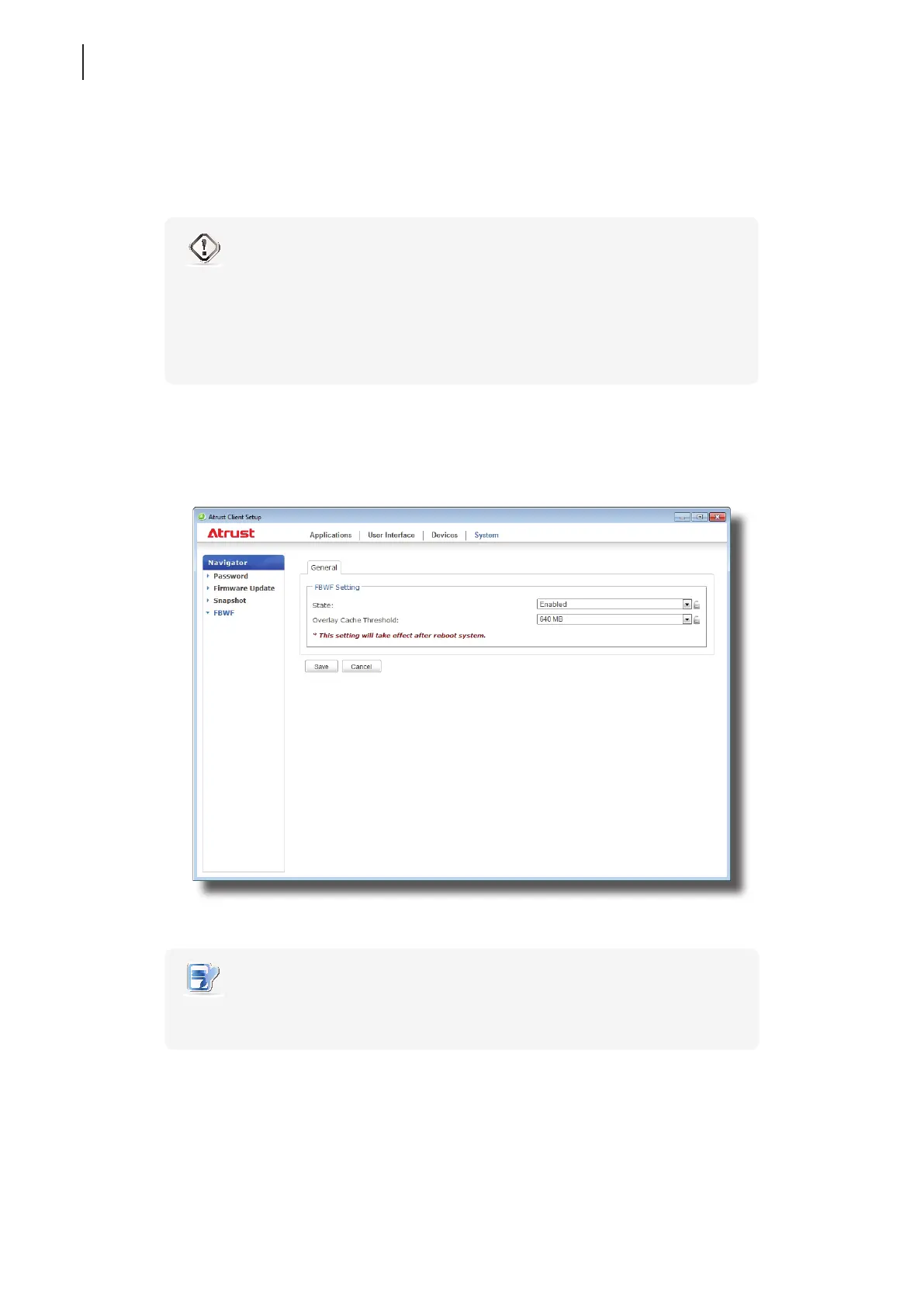
To congure the FBWF settings, please do the following:
1. On Atrust Client Setup, click System > FBWF.
2. Click the State drop-down menu to enable/disable the FBWF feature.
3. Select the desired overlay cache threshold if the FBWF feature is enabled.
NOTE
• When the used memory cache exceeds the selected threshold, cached objects that
are not currently in use will be released.
4. Click Save to conrm your selections.
5. You may need to restart the system for the change(s) to take eect.



 To Next Page