Conguring Client Settings
Conguring System Settings
43
WARNING
• You need to restart the system for switching between the FBWF enabled and
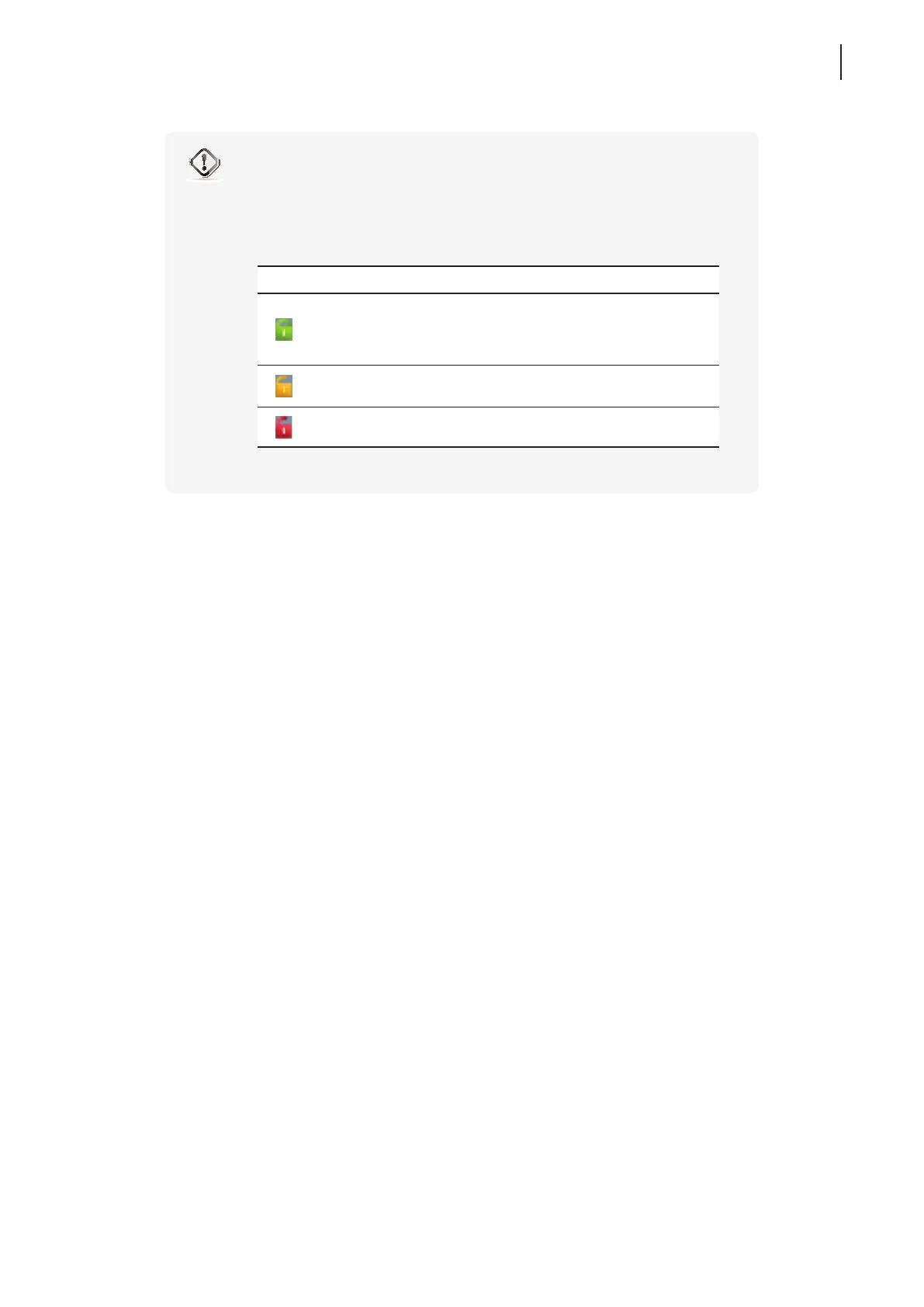
disabled states. An icon will appear in the Notication area of the Taskbar to indicate
the current FBWF state of the system. The following table provides a description of
each icon:
Icon Name Description
Green Lock
The FBWF is currently enabled. Except for
changes to ACS settings, all the other changes
made to the system in current session will not
be kept after the system restart.
Orange Lock
The FBWF state was changed and will take
effect after the system restart.
Red Lock The FBWF is currently disabled.



 To Next Page