Conguring Client Settings
Conguring System Settings
32
Setting Access Privileges and Password Also for Standard Users
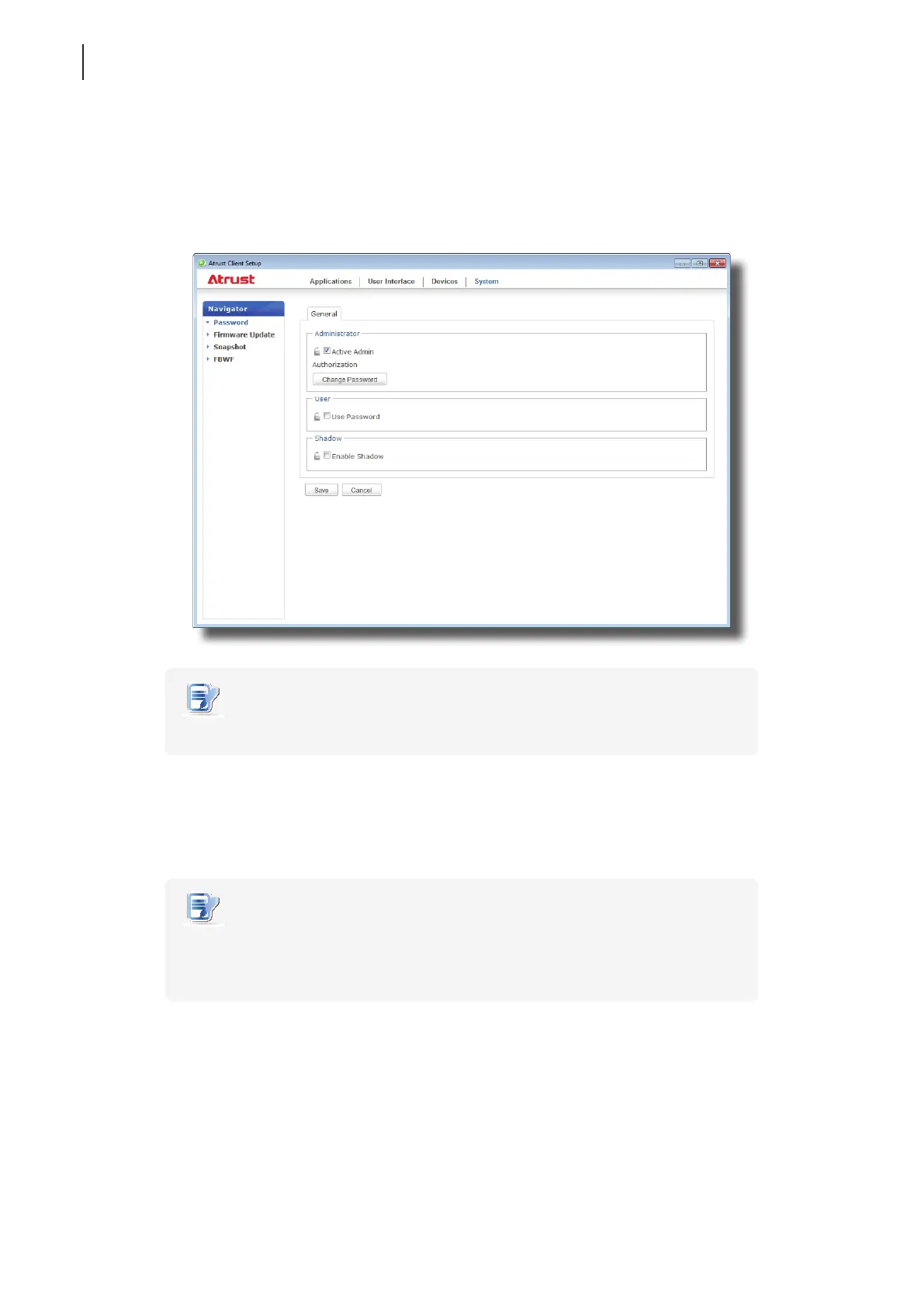
To set access privileges and password also for standard users, please do the following:
1. On Atrust Client Setup, click System > Password.
2. Under the User section, click to check Use Password.
NOTE
• The User section appears only when Active Admin Authorization is checked.
3. The access privileges for standard users are granted and a window appears for you to set the password.
4. Type in the desired password, and then click Save to apply.
5. Click Save to store all the changes.
NOTE
• For standard users of your t170, two set of credentials are required to access
Atrust Client Setup: one set of credentials is administrator credentials for Windows
Embedded Standard 7; the other is standard user credentials for Atrust Client Setup.



 To Next Page