Conguring Client Settings
Conguring System Settings
35
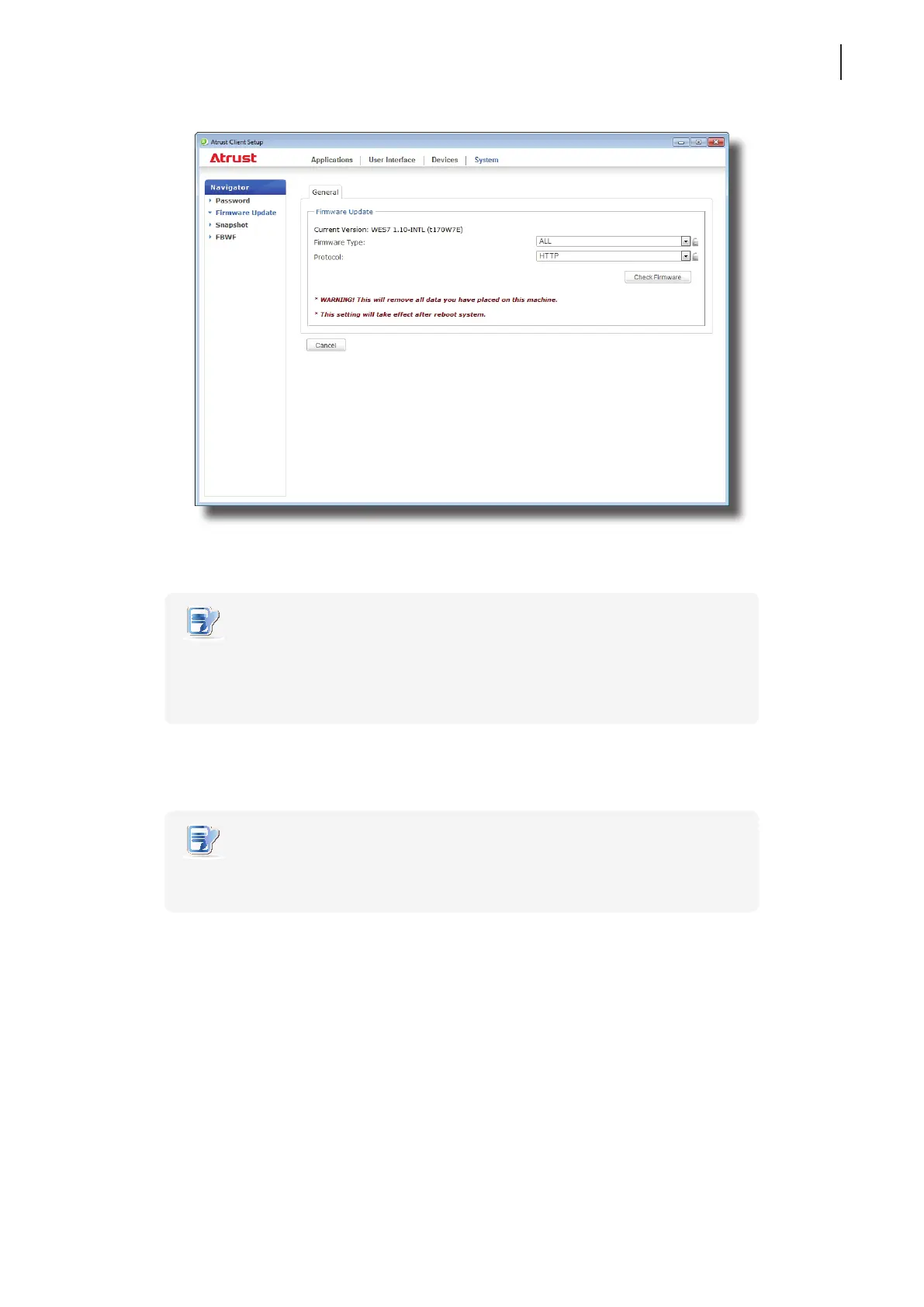
2. Under the Firmware Update section, click the Firmware Type drop-down menu to select Firmware. The
system will then automatically download the Firmware list from the remote computer.
NOTE
• You can also update the rmware of a client with a snapshot (the system image of a
client) which is coming from another client of the same model and is with a newer
rmware version. For detailed information, please refer to sections 4.2.6 and 4.2.7
about the snapshot.
3. On completion, a window appears notifying you that the Firmware list has been loaded.
Click OK to continue.
NOTE
• The available rmware versions depend on how many versions have been imported
into the remote Atrust Device Manager.
4. Click drop-down menus to select the desired rmware version and other options.



 To Next Page