Conguring Client Settings
Conguring Service Access Settings
65
NOTE
• You can also access Citrix services through the standard desktop shortcut Receiver.
For detailed instructions on how to access services via the standard desktop
shortcut, please refer to section “3.2 Accessing Citrix Services” on page 20.
2. The desired application, content, or desktop is displayed on the screen.
For Connection Types of Web Logon
To access Citrix services, please do the following:
1. Double click the created (customized) shortcut on the desktop.
NOTE
• You can also access Citrix services through the standard desktop shortcut Receiver.
For detailed instructions on how to access services via the standard desktop
shortcut, please refer to section “3.2 Accessing Citrix Services” on page 20.
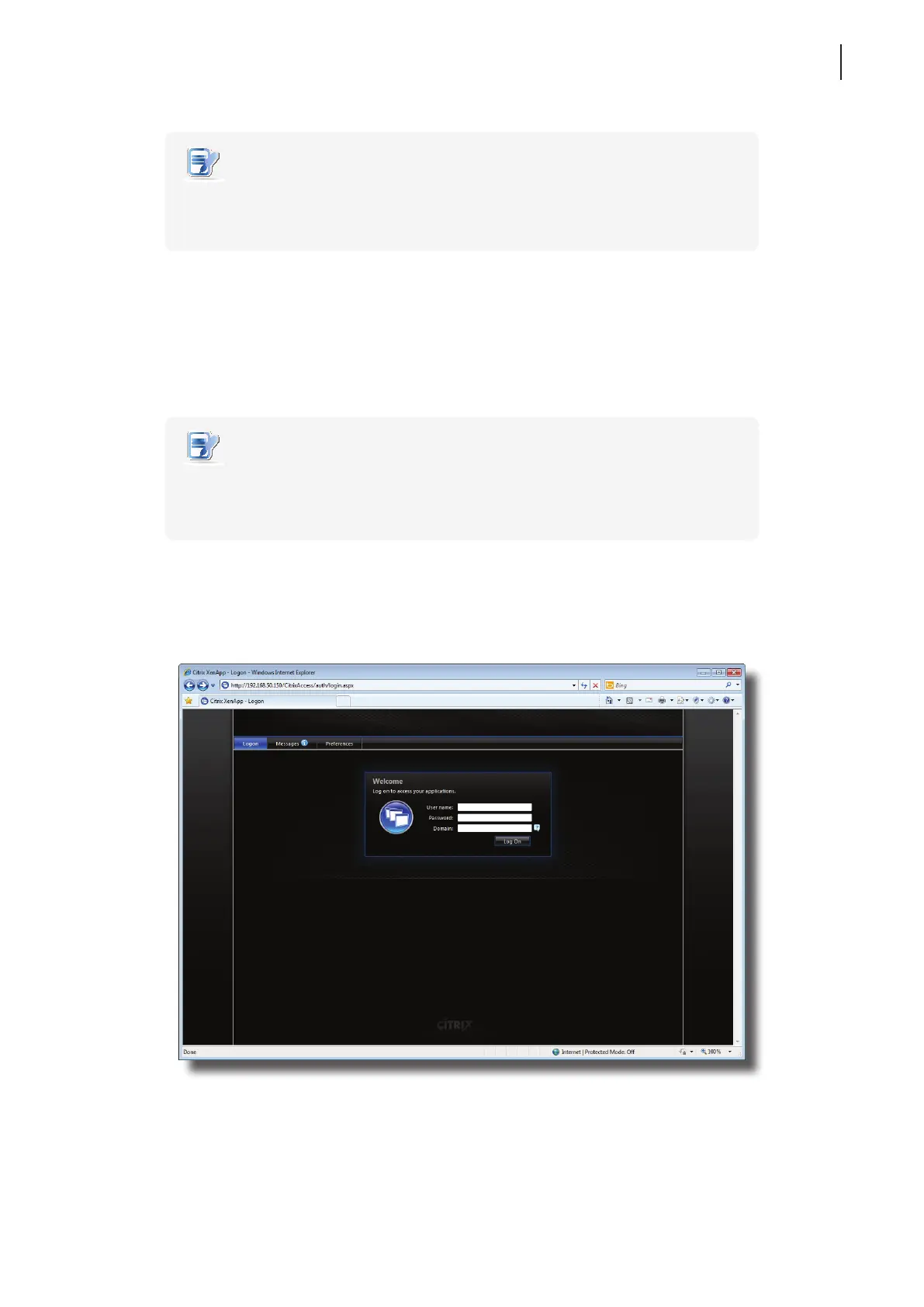
2. The Web browser is launched with the Citrix Logon screen.
Logon Screen Example: XenApp 6.0 Fundamentals



 To Next Page