Conguring Client Settings
Conguring Service Access Settings
67
NOTE
• You may need to allow the Add-on from Citrix to access Citrix services. To allow the
Add-on, please do the following:
1. Click the pop-up Information bar on the top of the browser page when
accessing Citrix services through the Web browser. A pop-up menu appears.
2. Click Run Add-on, and then follow the on-screen instructions to complete
the task.
3. Type in the required credentials and domain name, and then click Log On.
NOTE
• If your service-hosted server doesn’t belong to any domain, type in the server name
instead if required.
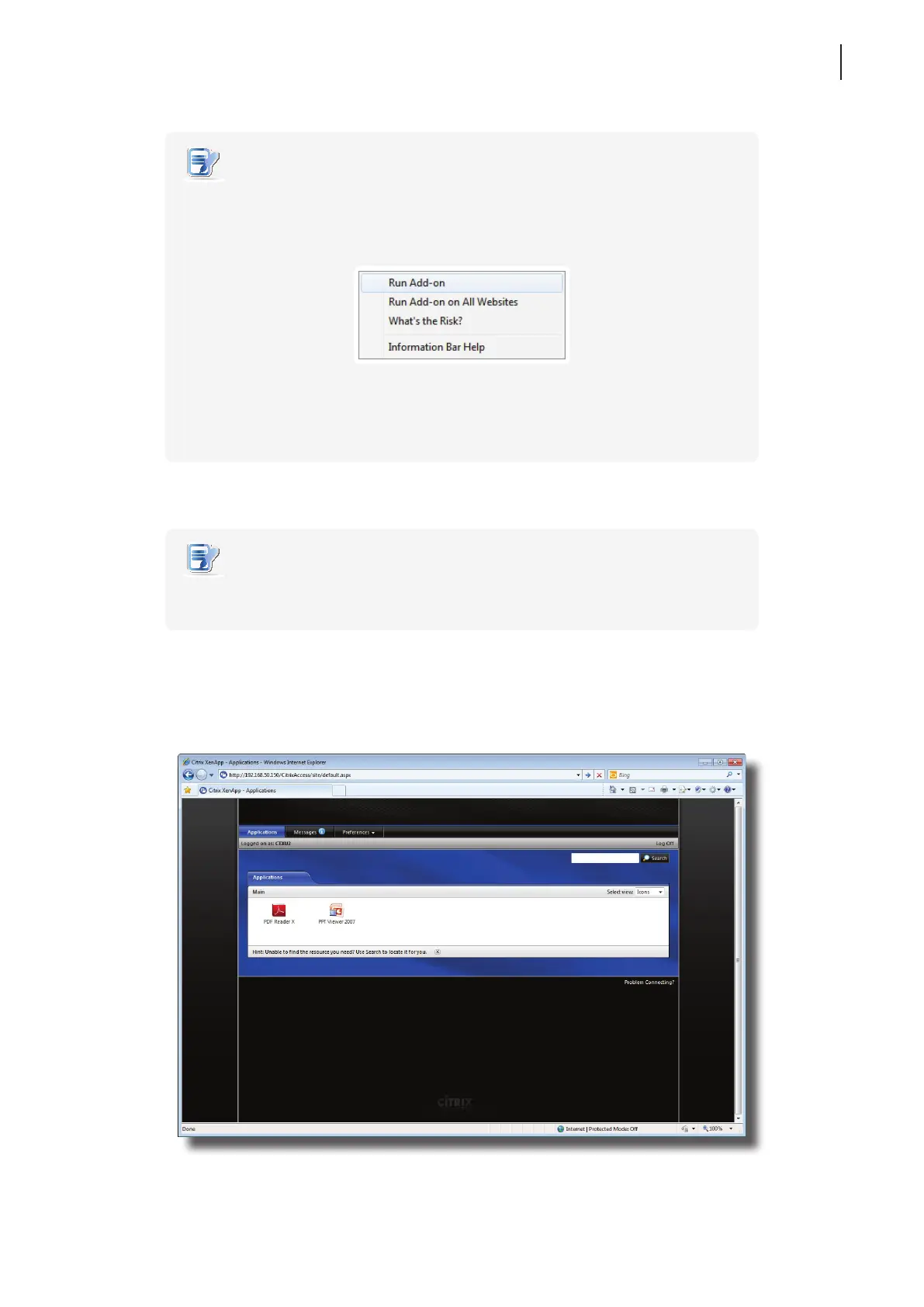
4. Click to select desired application, content, or desktop.
Screen for On-Demand Applications: XenApp 6.0 Fundamentals



 To Next Page