Conguring Client Settings
Conguring Service Access Settings
82
NOTE
• If you haven’t create any entry, the View Connection list will be empty.
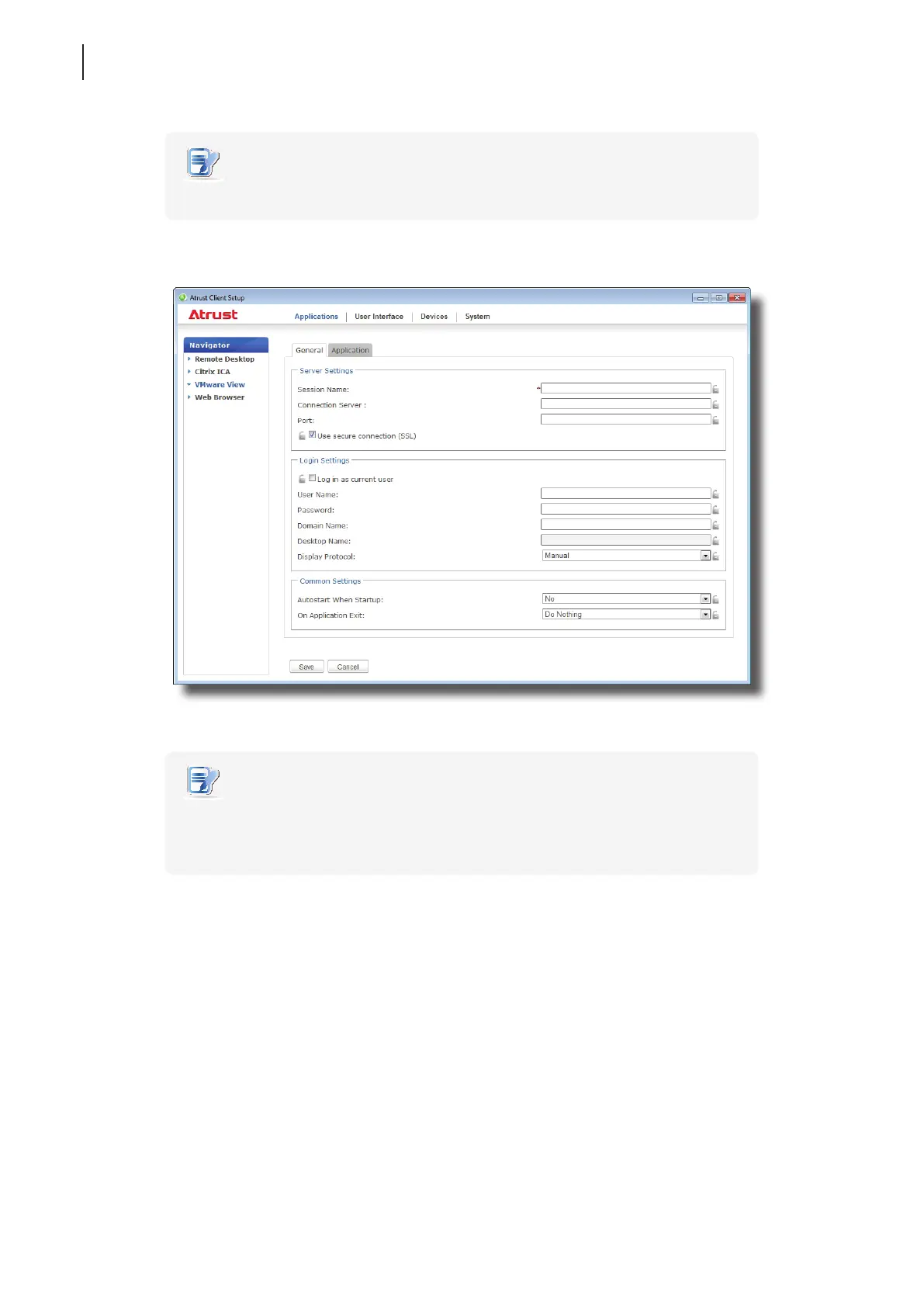
3. Click Add on the top of the View Connection list to add a new entry of View connection.
4. Type in the desired session name, and then click Save to conrm.
NOTE
• This is the only required eld for the creation of a service access shortcut on the
desktop. Other data can be provided during the period of service access. Depending
on your needs, you might choose to type in more other data.
5. The new entry is added to the View Connection list and the access shortcuts are automatically created
on the desktop and Start menu.



 To Next Page