Conguring Client Settings
Conguring Service Access Settings
84
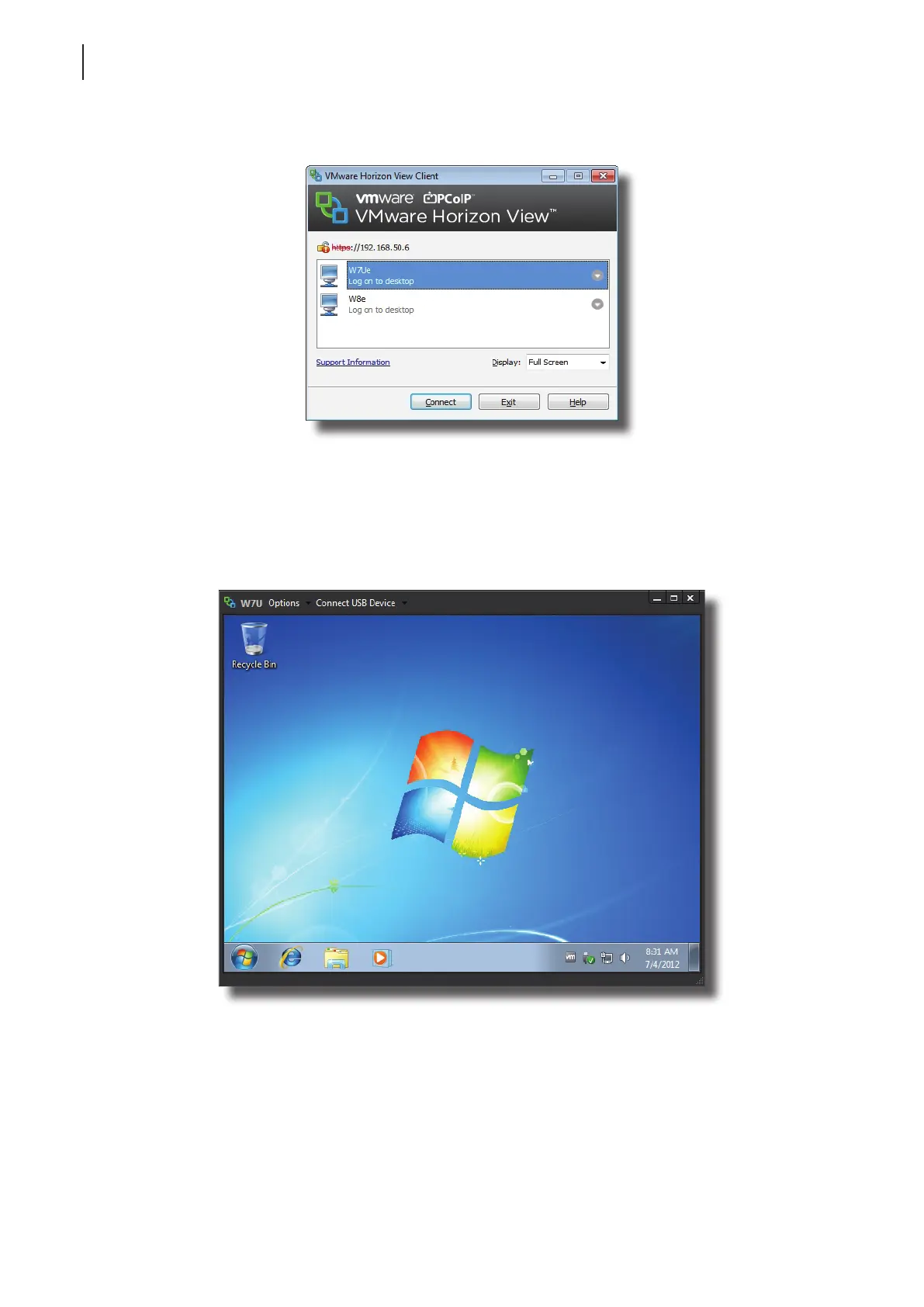
6. A window appears with available desktops for the provided credentials.
7. Click the desired desktop, and then click the Display drop-down menu to select the desired display size. Five
options are available: Full Screen, Multimonitor, Window - Large, Window - Small, and Custom.
8. Click Connect to launch the service.
Desktop Example: Windows 7 in Small Display Size



 To Next Page