Conguring Client Settings
Conguring Service Access Settings
88
Automatic Configuration
Item Description
Automatically detect settings Check to automatically detect browser settings.
Use automatic conguration
script
Check to allow automatic conguration and indicate the IP address where a
conguration le is located.
Address Type in the IP address when Use automatic conguration script is selected.
Conguring Specic Browser Session Settings
To congure specic browser session settings and create shortcuts on the desktop and Start menu, please do
the following:
TIP
• You can use this feature to create a desktop shortcut for a specic web page, for
example, your intranet home page.
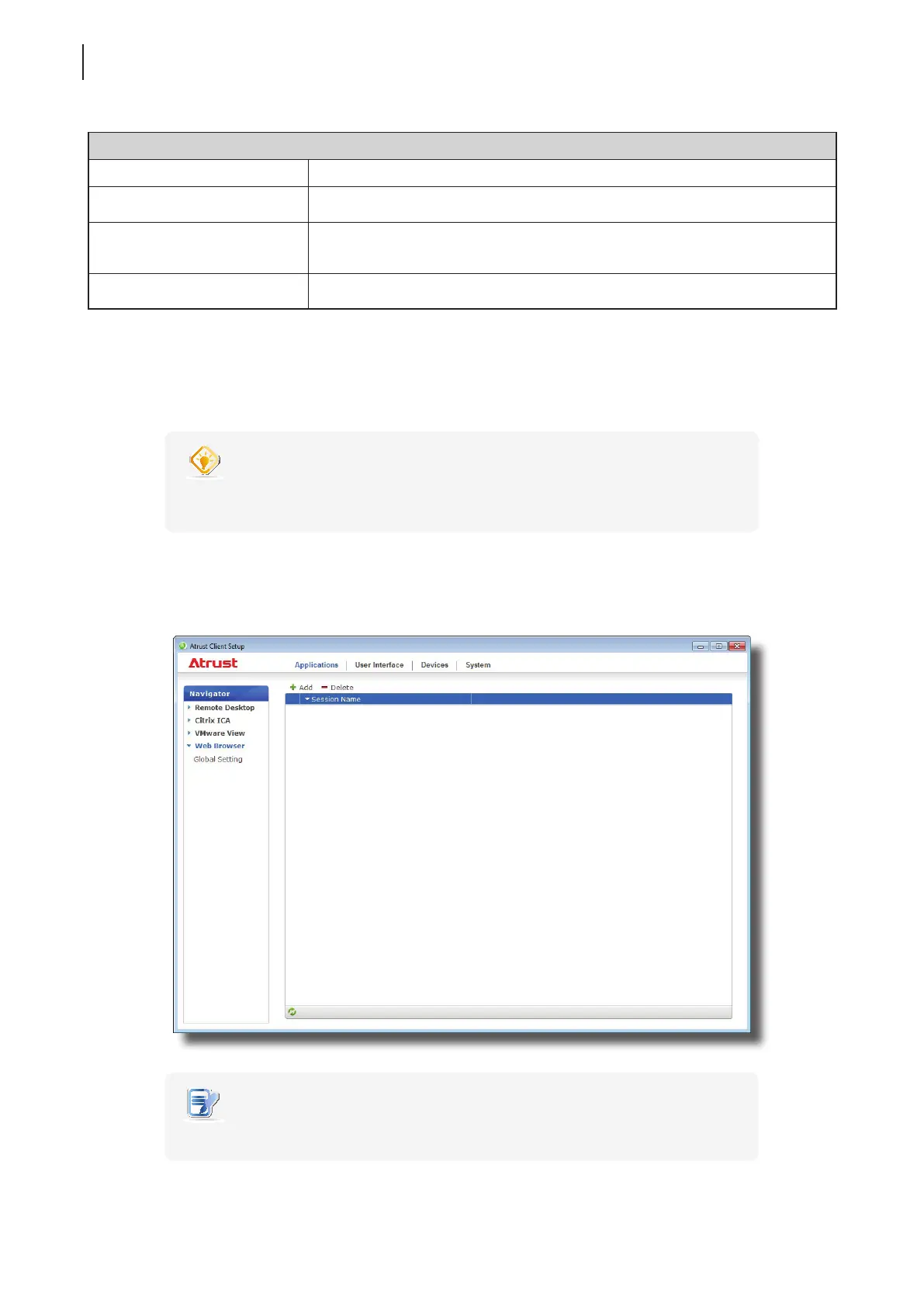
1. On Atrust Client Setup, click Applications > Web Browser.
2. The Browser Session list appears in the Conguration area.
NOTE
• If you haven’t create any entry, the Browser Session list will be empty.



 To Next Page