Windows
1. Download the iD Software Mixer Application
for Windows from audient.com/iD48/
downloads
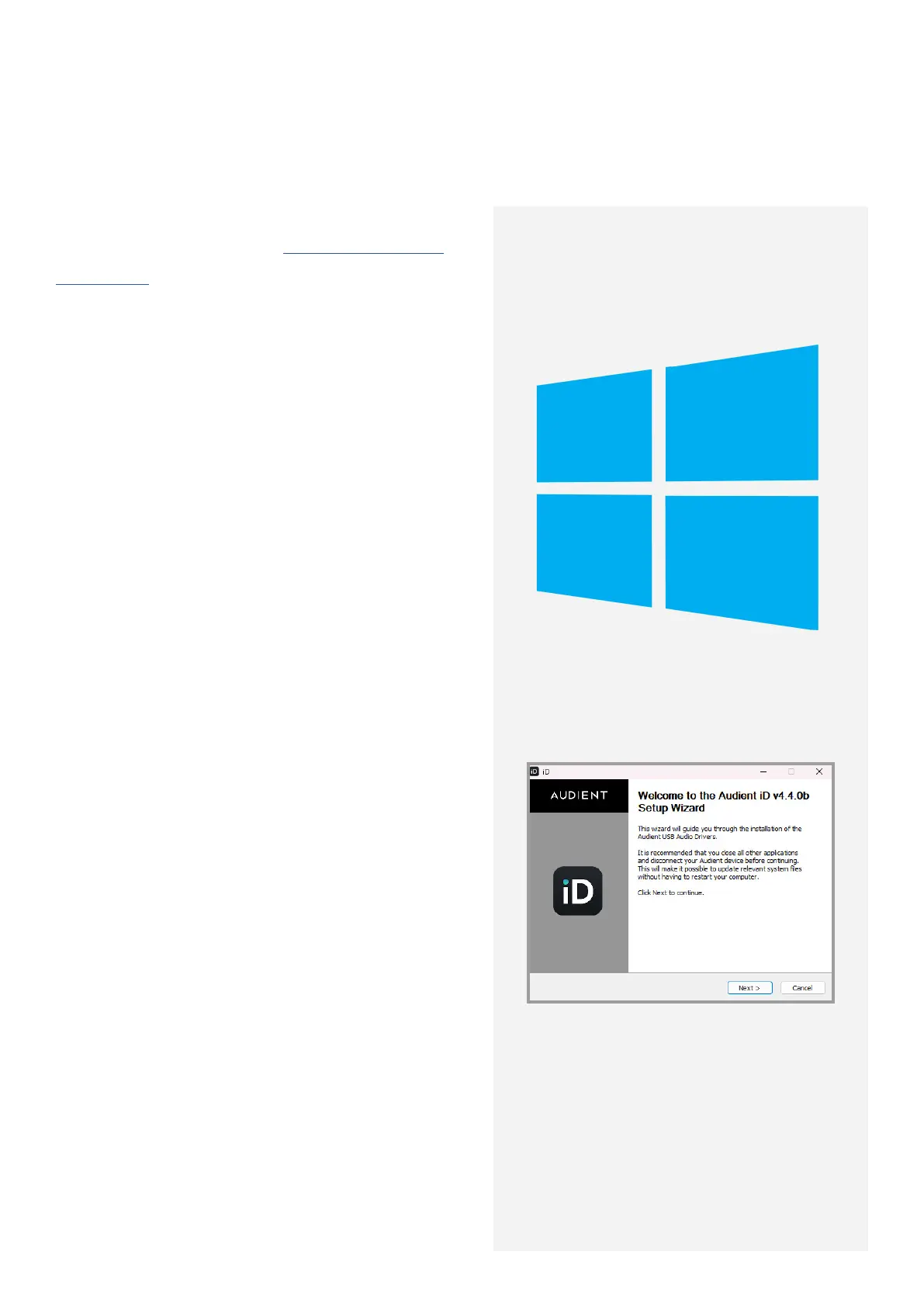
2. Open the installer and follow the instructions
shown on the screen. After installing the drivers,
plug the iD48 into the PC. It can sometimes
take a few moments for Windows to finalise
the drivers before the unit is recognised.
3. Run the iD Software Mixer Application from
your Start menu. To ensure your interface has
the latest features, you may be asked to install
a firmware update, follow the on-screen steps
to do this.
4. Upon opening the iD Software Mixer
Application for the first time, a Product
Registration screen will appear, allowing you
to register your product with Audient ARC to
receive update notifications and access to
exclusive plugins and software. You can also
do this later if necessary.
Windows Minimum System Requirements:
Windows 10 or Later
Intel Core 2 @ 1.6Ghz,
AMD equivalent, or ARM Processor
1GB RAM
10



 To Next Page