22
Digital Inputs and Outputs
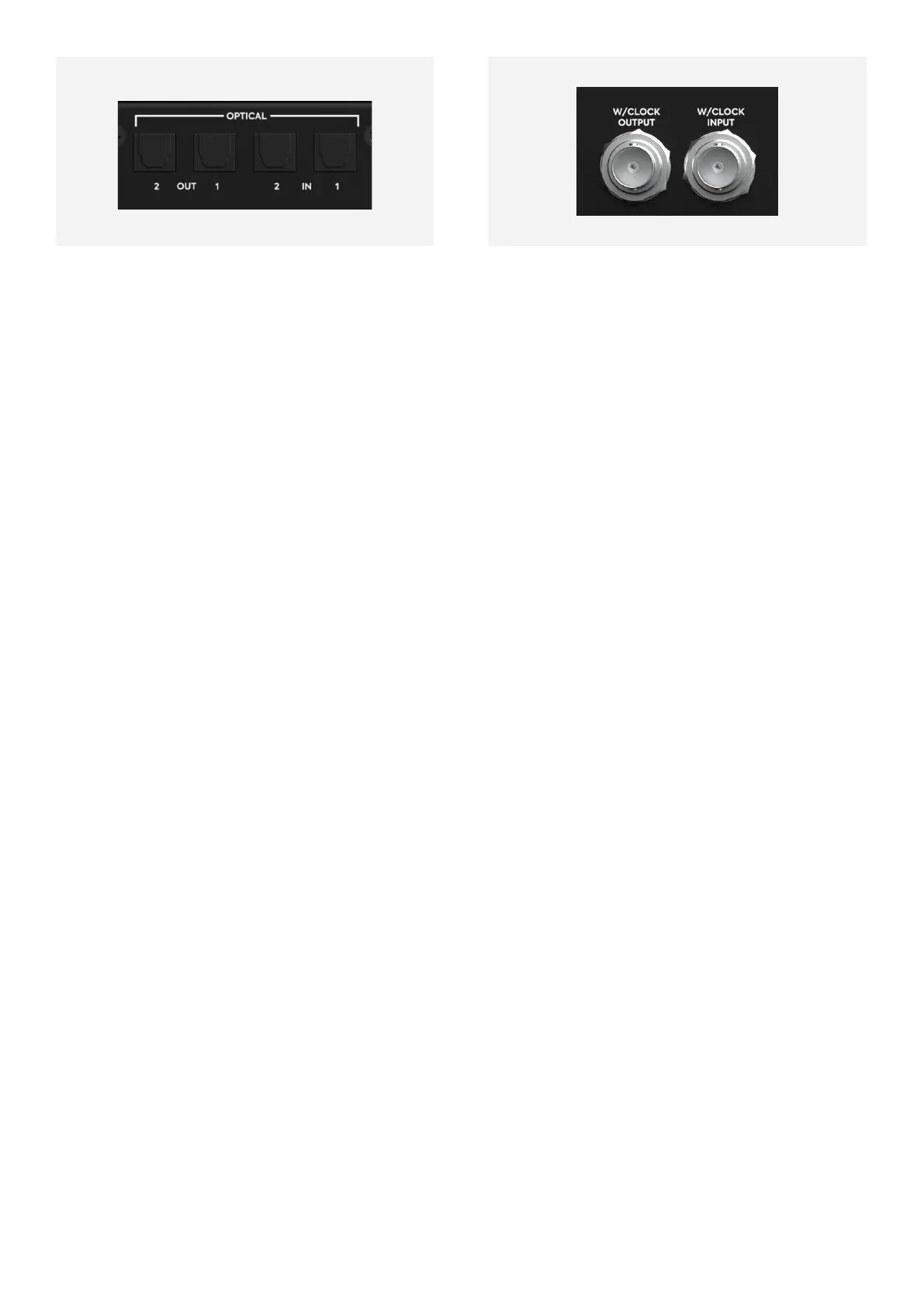
iD48 features two optical inputs and two
optical outputs. These can be set to operate
Using S/PDIF or ADAT using the iD Software
Mixer Application.
In S/PDIF mode, each optical connection can
carry two channels of audio up to 96kHz.
Running in ADAT mode, each optical
connection can carry 8 channels of audio at
44.1kHz and 48kHz and up to 4 channels of
audio at 88.2kHz and 96kHz (due to how the
ADAT SMUX protocol operates).
These digital connections are perfect for
adding additional inputs and outputs to the
iD48, such as adding additional Mic Preamps
or providing additional monitoring outputs.
This is very useful for larger recording sessions.
More information on how the iD Software
Mixer Application is used to route to the
optical outputs can be found under The
Routing Matrix section of this manual.
Word Clock Input and Output
iD48 provides both a BNC word clock input
and a BNC word clock output to allow the
interface to be synced to external clocks and
digital devices. The Word Clock input has a
switchable 75 Ohm termination which can be
adjusted in the iD Software Mixer Application.
This should be enabled if the iD48 is the last
or only device in a BNC word clock chain. This
stops any clock reflections and provides more
stable clocking.
Clocking Information
When connecting external digital devices to
iD48, it is important to get the clocking setup
correct to ensure all the devices are synced.
If this is not set correctly, you may experience
clicks, pops or distortion in your audio.
It is important to note that in a digital setup,
there should only ever be one device acting
as the master clock. All other devices will then
sync to this, either via the Optical ports or the
BNC Word Clock connections.
With a wealth of digital I/O, there are many
ways that the iD48 can be set up to clock with
other digital equipment.



 To Next Page