52
Operation with Logic Pro
If you are using an external clock source
(ADAT or S/PDIF) to clock iD48, please ensure
that your Logic Pro project is set to the same
sample rate when recording and playing
back in a session, otherwise things may sound
a bit sharp or flat!
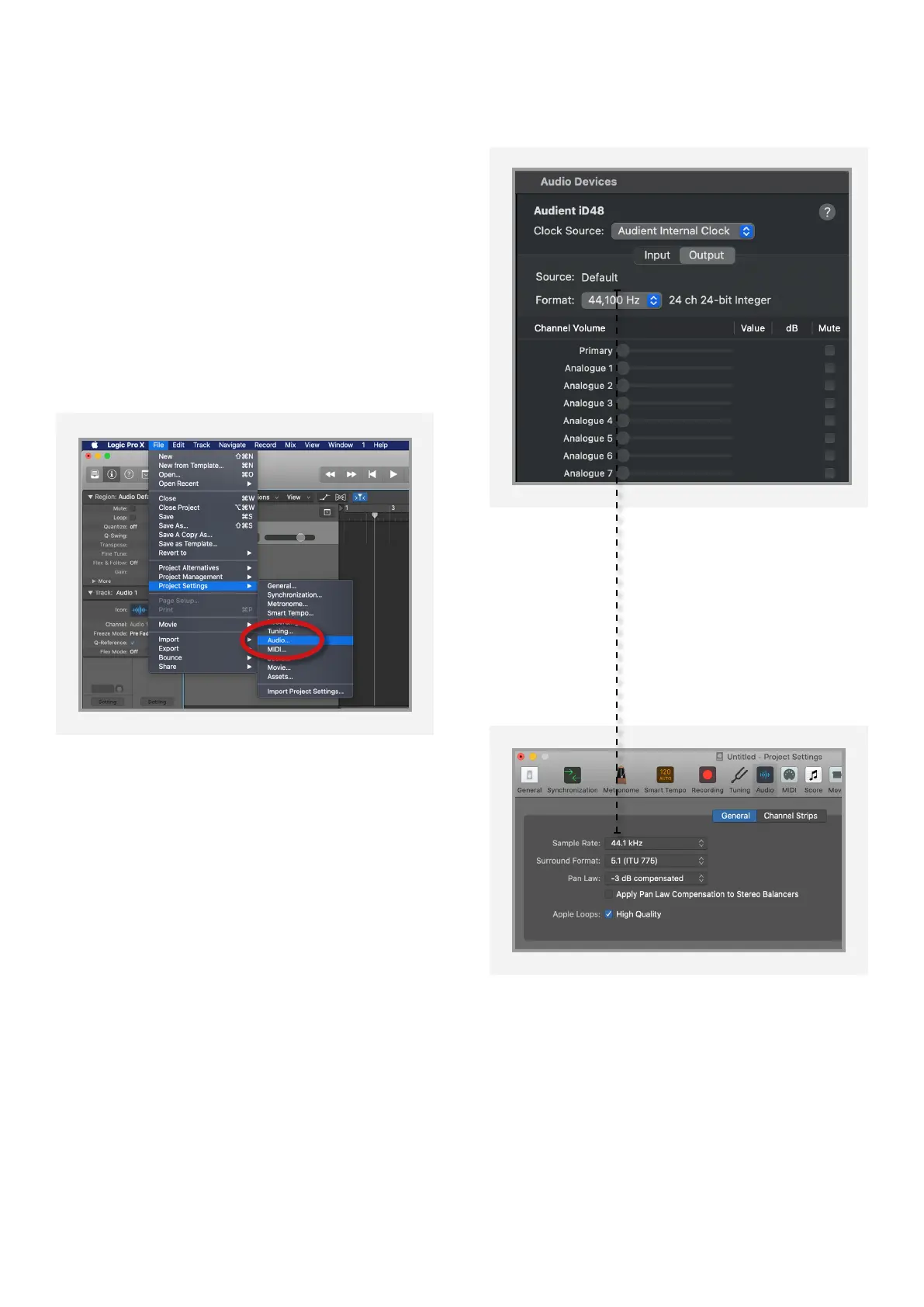
File > Project Settings > Audio
If you are using the internal clock in iD48,
setting the sample rate via Logic Pro will
update the iD48 sample rate to follow your
session.
There may be a slight pause as the system
re-clocks. This is normal.
This can be verified in Audio MIDI Setup.
Macintosh HD > Applications > Utilities
For more Logic Pro information please
consult your Apple user manuals &
documentation.



 To Next Page