37
System Panel Features
Digital Input/Output Format
This option allows you to select whether the
Optical Inputs and Outputs uses the ADAT or
the S/PDIF digital format. When using S/PDIF
each optical port can handle 2 channels of
audio. When using ADAT, each optical port
can handle 8 channels of audio at 44.1kHz or
48kHz, or 4 channels of audio at 88.2kHz or
96kHz.
If required, one Input/Output can be set to
ADAT and the other to S/PDIF at the same
time.
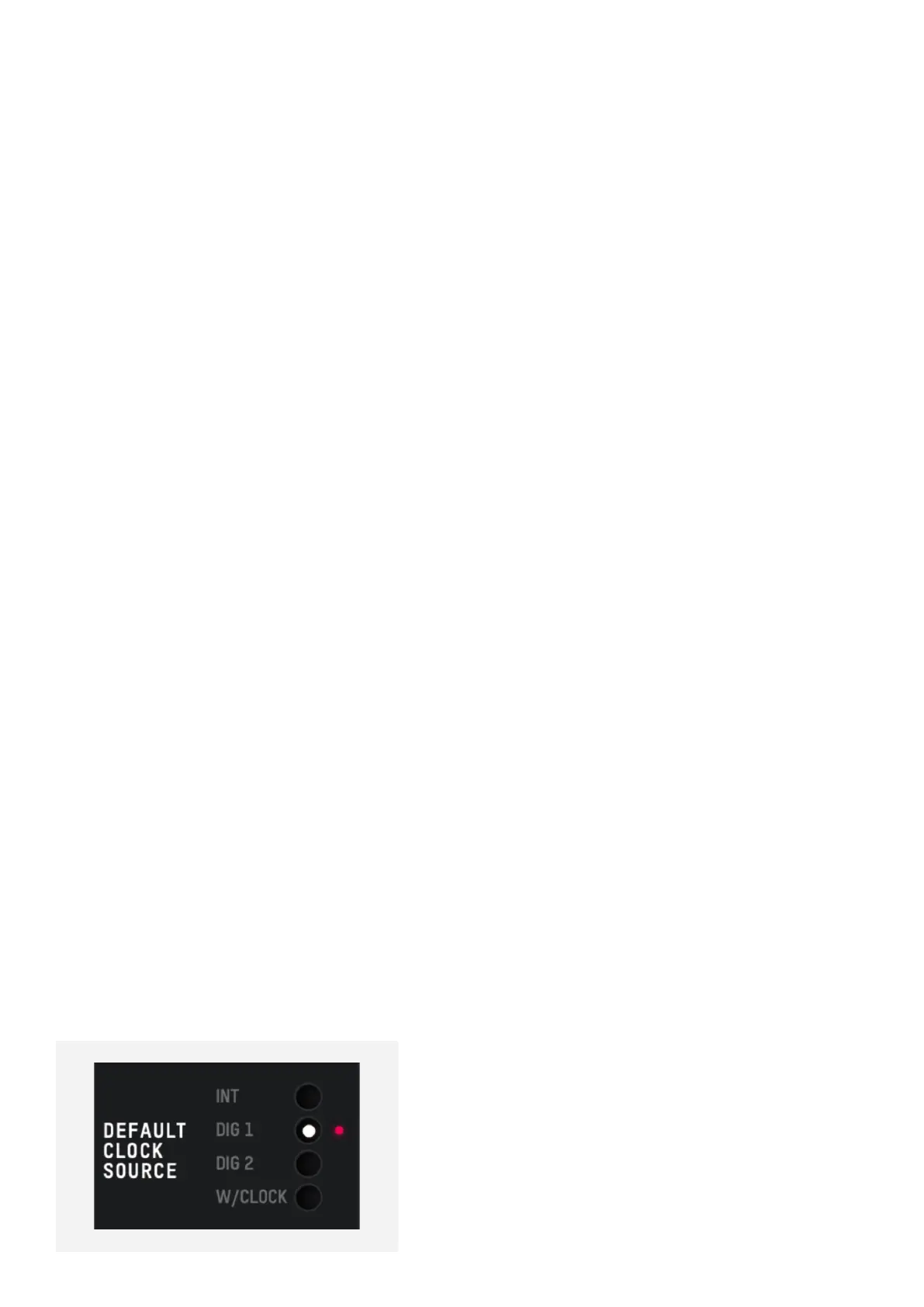
Preferred Clock Source
The clock source can be selected from
either the internal clock, one of the two
optical inputs or the Word clock input. More
information about choosing a clock source
can be found in the clocking section of this
manual.
When using an external clock source the
indicator beside the selector shows the
current status of the clock on that input.
• Red - No clock signal detected on input.
• Amber - A clock signal is detected but at a
dierent sample rate to iD48.
• Green - A clock signal is detected and is at
the correct sample rate.
To ensure you are getting a reliable sync with
an external clock source, the indicator should
be green.
If a red indicator is shown, please check
the physical connection of the clock source
and ensure that the correct digital format
is selected. If an orange indicator is shown,
adjust the sample rate of either the external
device or iD48 so that the sample rates
match.
Word Clock Termination
This control lets you enable or disable the 75-
Ohm Termination on iD48’s BNC Word Clock
Input. More information about Word Clock
termination, and when you may require this
can be found in the clocking section of this
manual.
Mono Mode
When iD48’s Mono feature is engaged this
option controls whether the mono signal
is sent to the left, right or both monitors.



 To Next Page